About Ruggnar
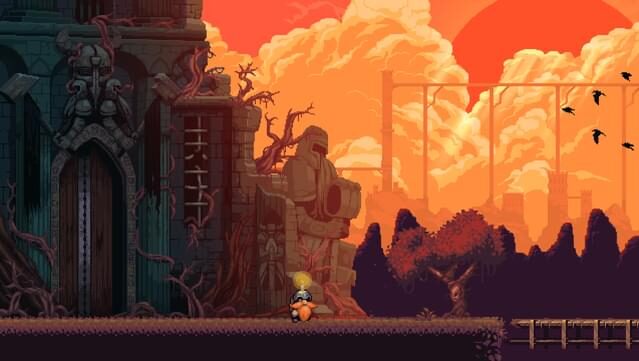
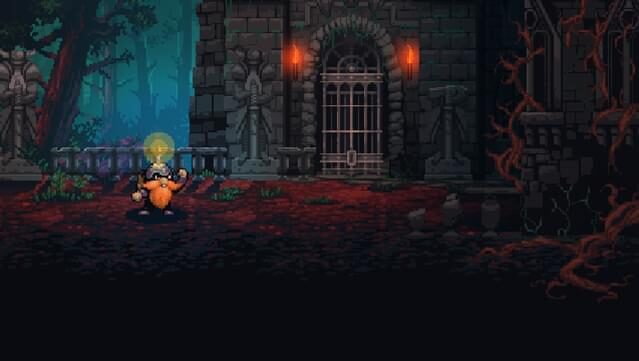
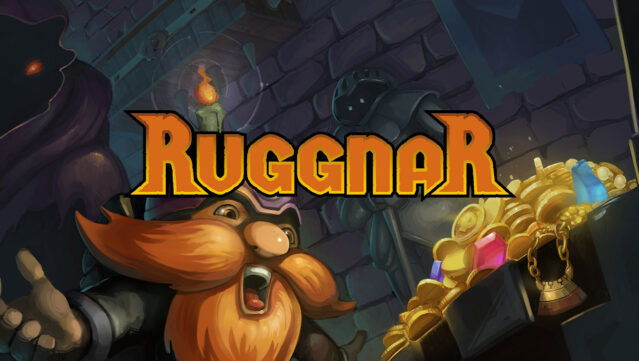
Dive into a light-filled adventure where every flicker counts! This indie title blends exploration and resource management in a dark, enchanting setting, as you guide Ruggnar through the abandoned corners of a once-vibrant city. Players navigate challenging environments, using a limited supply of candles to illuminate paths, activate mechanisms, and discover hidden treasures that could change Ruggnar's fortune. The strategic use of your dwindling light sources adds depth to the gameplay, making every decision critical. Plus, the thrill of scavenging for resources emphasizes the importance of managing your candle supply wisely. This game is a great pick for those who enjoy atmospheric exploration and clever puzzle mechanics.
Instructions
- Click the Download button below and you will be redirected to UploadHaven.
- Wait 5 seconds and click on the blue ‘download now’ button. We recommend using a download manager for faster download speeds. (You can use FDM which is free here, or any other download manager).
- Once the game is finished downloading, right click the .zip file and click on “Extract to Ruggnar v2.0.1.zip” (To do this you will need 7-Zip, which you can get here, or you can use the built in windows extractor).
- Double click inside the Ruggnar v2.0.1 folder and run the setup application. Accept the EULA, and install the game. Then, launch the game through the desktop shortcut.
Ruggnar Free Download (v2.0.1)
Ruggnar (v2.0.1)
Size: 463.37 MB
Reminder: This download is completely free and won't cost you a penny. However, If you love the game and want to purchase it, you can support the developers by doing so here.
System Requirements
- Microsoft® Windows® 7 SP1, 8.1, 10 (version 1607 or better)
- 2 GHz CPU
- 2 GB RAM
- OpenGL 3.0 (DirectX® 10) compliant graphics card and driver
- Version 10
- 600 MB available space
- Requires a 64-bit processor and operating system
Screenshots