About MySims
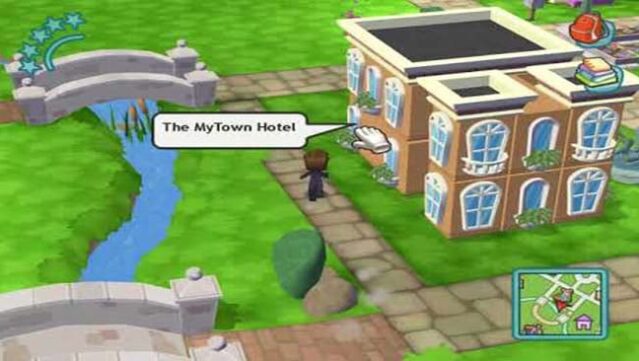
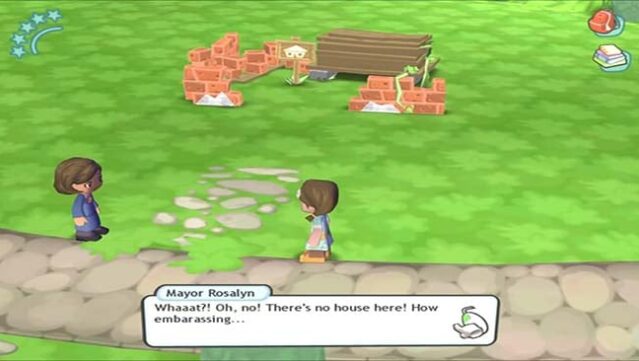
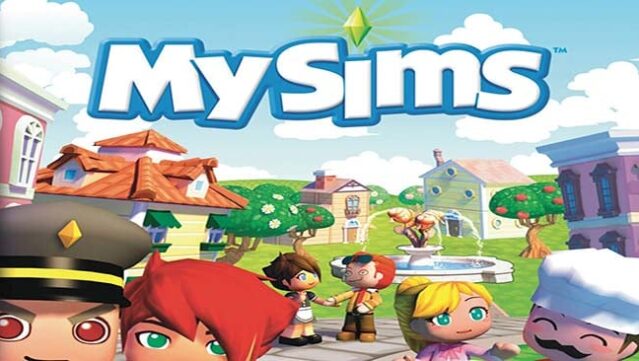
Step into a charming world where creativity knows no bounds, and your adorable blocky neighbors are in dire need of your help. This unique spinoff of the beloved franchise offers an open-world experience focused on customization and community building. You take on the role of a helpful resident tasked with revitalizing a dull town alongside its quirky mayor.
As you explore the vibrant environment, you'll gather resources, design homes, and infuse personality into the community, making it truly your own. The game shines with its simple yet engaging crafting mechanics and the ability to shape both the town and the lives of its inhabitants.
Perfect for fans of simulation games who enjoy giving life and personality to their creations, this title is a delightful playground for those who love to build and explore.
Instructions
- Click the Download button below and you will be redirected to UploadHaven.
- Wait 5 seconds and click on the blue ‘download now’ button. We recommend using a download manager for faster download speeds. (You can use FDM which is free here, or any other download manager).
- Once the game is finished downloading, right click the .zip file and click on “Extract to MySims v2026.01.05.zip” (To do this you will need 7-Zip, which you can get here, or you can use the built in windows extractor).
- Double click inside the MySims v2026.01.05 folder and run the setup application. Accept the EULA, and install the game. Then, launch the game through the desktop shortcut.
MySims Free Download (v2026.01.05)
MySims (v2026.01.05)
Size: 1.26 GB
Reminder: This download is completely free and won't cost you a penny. However, If you love the game and want to purchase it, you can support the developers by doing so here.
System Requirements
- OS: Windows XP or newer
- Processor: Intel/AMD 1.5 GHz or better
- Memory: 256 MB RAM
- Graphics: Intel Integrated Graphics 945 and above
- DirectX: Version 9
- Storage: 2 GB available space
Screenshots