About Emily Wants To Play Too
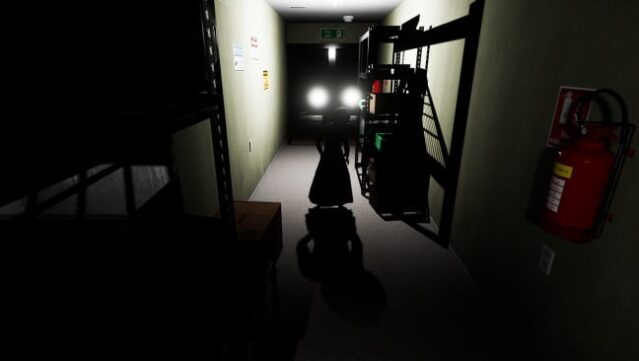
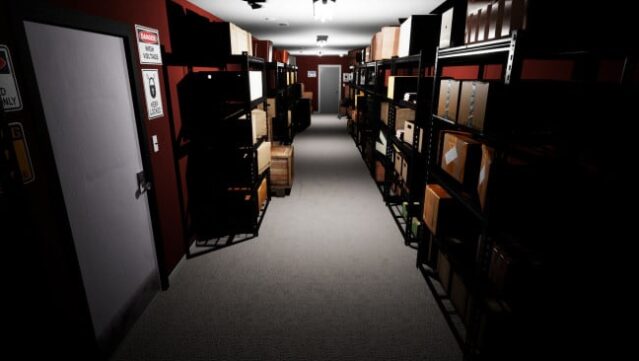
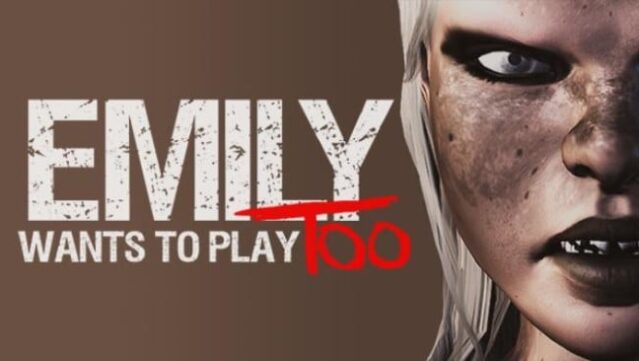
Immerse yourself in a spine-chilling experience where an innocent sandwich delivery turns into a nightmare. As a fast-food courier, you find yourself trapped in an eerie crime research facility at night, surrounded by peculiar dolls that come to life, each with their own sinister motives. This survival horror game blends stealth and strategy as you navigate through the building, desperately seeking an escape while avoiding the dolls’ whims.
Unique gameplay elements include new characters, linear timed challenges, and engaging mini-games that you must conquer to survive. With a focus on evasion rather than violence, the atmosphere remains tense and suspenseful throughout. If you thrive on horror games that require both quick thinking and stealth, this game is definitely worth your time.
Instructions
- Click the Download button below and you will be redirected to UploadHaven.
- Wait 5 seconds and click on the blue ‘download now’ button. We recommend using a download manager for faster download speeds. (You can use FDM which is free here, or any other download manager).
- Once the game is finished downloading, right click the .zip file and click on “Extract to Emily Wants To Play Too.zip” (To do this you will need 7-Zip, which you can get here, or you can use the built in windows extractor).
- Double click inside the Emily Wants To Play Too folder and run the setup application. Accept the EULA, and install the game. Then, launch the game through the desktop shortcut.
Emily Wants To Play Too Free Download
Emily Wants To Play Too
Size: 1.58 GB
Reminder: This download is completely free and won't cost you a penny. However, If you love the game and want to purchase it, you can support the developers by doing so here.
System Requirements
- OS: Windows 7,8,10
- Processor: i5 or AMD equivalent
- Graphics: Nvidia GTX 770 or equivalent
- DirectX: Version 11
- Storage: 4 GB available space
- Sound Card: Yeah probably so
- Additional Notes: Add some awesome headphones and a dark room if you dare! :)
Screenshots