About Dark Elf
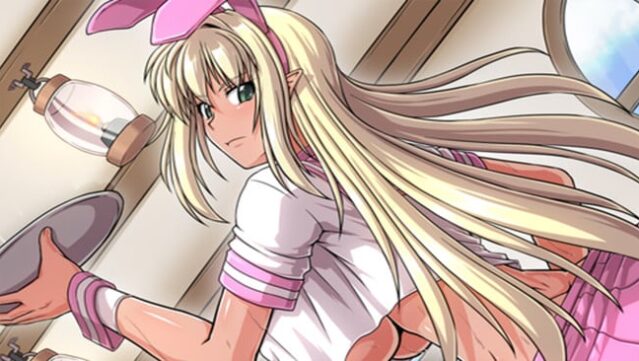
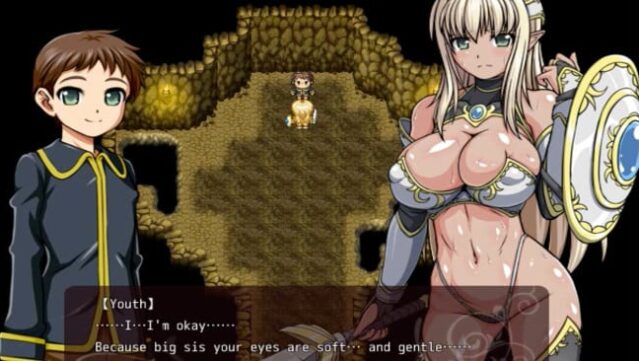
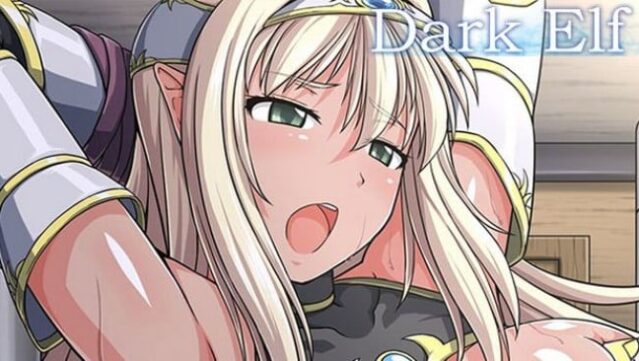
Dive into a captivating tale that intertwines the lives of a proud dark elf and a boy destined to rise from despair. This RPG unfolds in a post-war world where Fraylia, a fierce female warrior and former mercenary, takes in Ruse, a teenager haunted by his past and hoping for a brighter future. The gameplay centers on choices that shape the characters' destinies, offering two main storylines: one where Fraylia helps Ruse grow into an independent man, and another where her darker instincts take over, leading her down a path of moral turmoil.
As players navigate through various story arcs, they experience a blend of character development and emotional storytelling, with the potential for multiple endings based on their decisions. Perfect for fans of narrative-driven RPGs who enjoy exploring complex character relationships and moral ambiguity.
Instructions
- Click the Download button below and you will be redirected to UploadHaven.
- Wait 5 seconds and click on the blue ‘download now’ button. We recommend using a download manager for faster download speeds. (You can use FDM which is free here, or any other download manager).
- Once the game is finished downloading, right click the .zip file and click on “Extract to Dark Elf.zip” (To do this you will need 7-Zip, which you can get here, or you can use the built in windows extractor).
- Double click inside the Dark Elf folder and run the setup application. Accept the EULA, and install the game. Then, launch the game through the desktop shortcut.
Dark Elf Free Download
Reminder: This download is completely free and won't cost you a penny. However, If you love the game and want to purchase it, you can support the developers by doing so here.
System Requirements
- OS: WIN7 SP1/WIN8/WIN10/XP
- Processor: 1.2 GHz
- Memory: 2 GB RAM
- Graphics: DirectX 9 compatible graphics card
- Storage: 2 GB available space
Screenshots