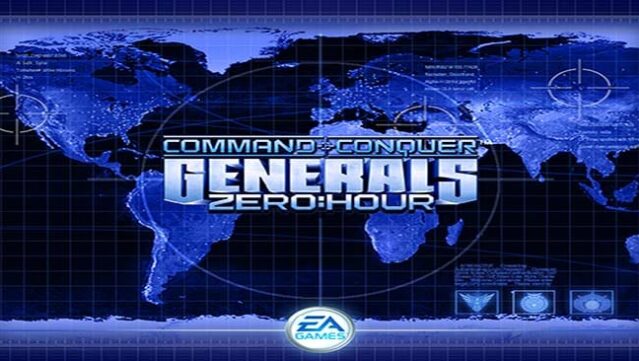
About Command & Conquer: Generals – Zero Hour
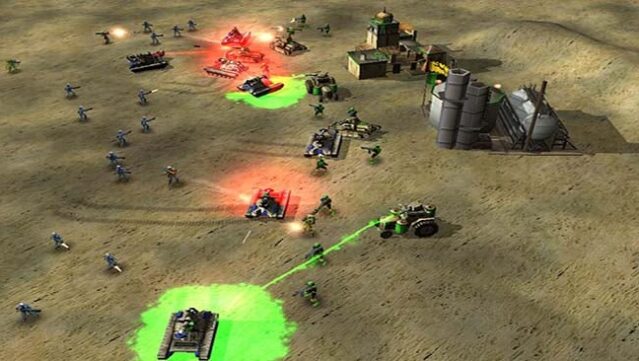
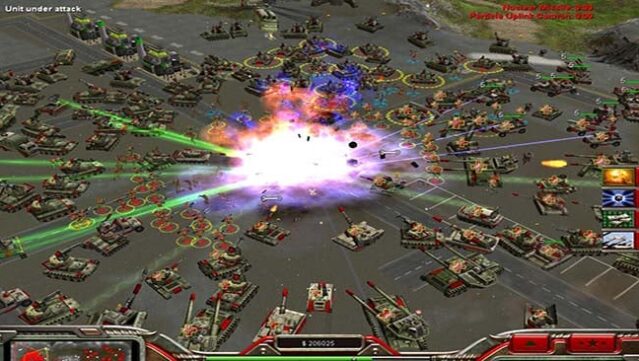
Dive into a thrilling world of modern warfare where strategy and cutting-edge technology collide. In this expansion of the renowned Command & Conquer series, players take on the role of elite generals battling for global supremacy. Set against a backdrop of intense military conflict, the game emphasizes tactical decision-making as you command unique factions equipped with advanced weaponry and innovative units. The gameplay loop revolves around resource management, base building, and engaging in high-stakes battles against rival commanders. With new units and high-tech armaments at your disposal, every match is a test of skill and strategy. This game is perfect for fans of real-time strategy who enjoy intense combat combined with tactical depth.
Instructions
- Click the Download button below and you will be redirected to UploadHaven.
- Wait 5 seconds and click on the blue ‘download now’ button. We recommend using a download manager for faster download speeds. (You can use FDM which is free here, or any other download manager).
- Once the game is finished downloading, right click the .zip file and click on “Extract to Command & Conquer: Generals – Zero Hour.zip” (To do this you will need 7-Zip, which you can get here, or you can use the built in windows extractor).
- Double click inside the Command & Conquer: Generals – Zero Hour folder and run the setup application. Accept the EULA, and install the game. Then, launch the game through the desktop shortcut.
Command & Conquer: Generals – Zero Hour Free Download
Command & Conquer: Generals – Zero Hour
Size: 2.02 GB
Reminder: This download is completely free and won't cost you a penny. However, If you love the game and want to purchase it, you can support the developers by doing so here.
System Requirements
- OS: Windows XP or newer
- Processor: Pentium III or Athlon
- RAM: 128 MB
- Graphics: 32 MB AGP video card with Hardware T&L and DirectX 8.1 compatible driver (GeForce2+ / Radeon 7500+)
- Storage: 4 GB of available space
Screenshots