About The Crew 2
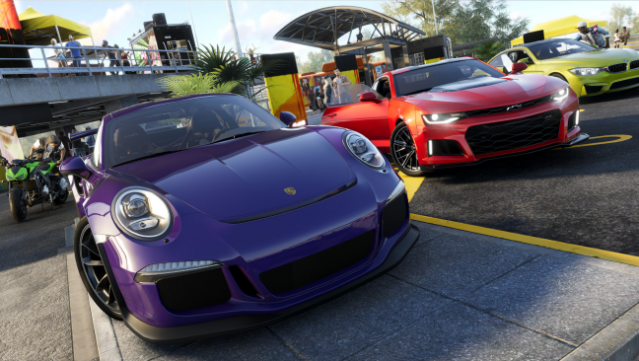
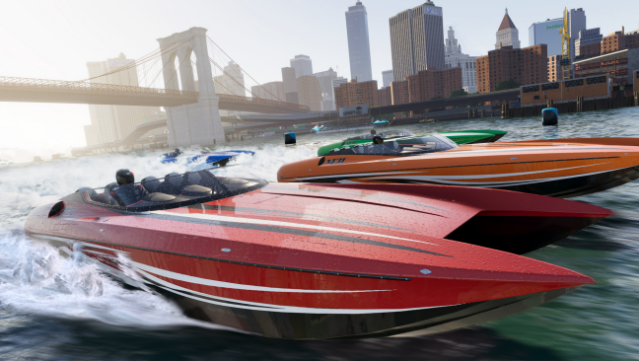
This game offers an exhilarating open-world driving experience that lets players explore the diverse landscapes of the USA at high speeds. As a thrilling multiplayer action title, it immerses you in the vibrant American motorsports scene, where you can choose from a massive selection of vehicles and tackle various game modes and events. Whether you're racing on land, sea, or air, the game’s blend of exploration and competition keeps the adrenaline pumping. With regular updates introducing new content, you can constantly discover fresh challenges and share your adventures with friends. Ideal for those who love fast-paced multiplayer racing and diverse gameplay, this game is sure to satisfy any motorsport enthusiast.

Instructions
- Click the Download button below and you will be redirected to UploadHaven.
- Wait 5 seconds and click on the blue ‘download now’ button. We recommend using a download manager for faster download speeds. (You can use FDM which is free here, or any other download manager).
- Once the game is finished downloading, right click the .zip file and click on “Extract to The Crew 2.zip” (To do this you will need 7-Zip, which you can get here, or you can use the built in windows extractor).
- Double click inside the The Crew 2 folder and run the setup application. Accept the EULA, and install the game. Then, launch the game through the desktop shortcut.
The Crew 2 Free Download
Reminder: This download is completely free and won't cost you a penny. However, If you love the game and want to purchase it, you can support the developers by doing so here.
System Requirements
- OS *: Originally released for Windows 7, the game can be played on Windows 10 and Windows 11 OS
- Processor: Intel Core i5-2400s @ 2.5 GHz or AMD FX-6100 @ 3.3 GHz or equivalent
- Memory: 8 GB RAM
- Graphics: NVIDIA GeForce GTX 660 or AMD HD 7870 (2GB VRAM with Shader Model 5.0 or better)
- Additional Notes: Game contains BattlEye anti-cheat technology and VMProtect anti-piracy technology.
Screenshots