About Zof
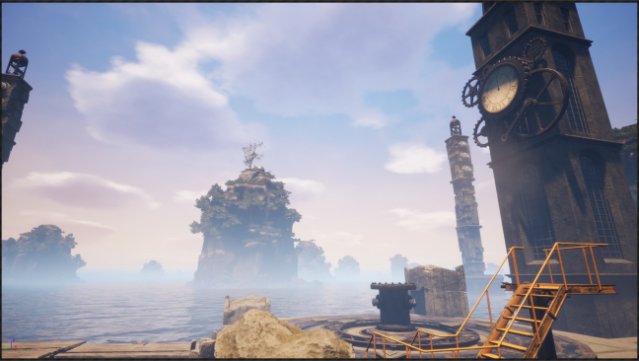
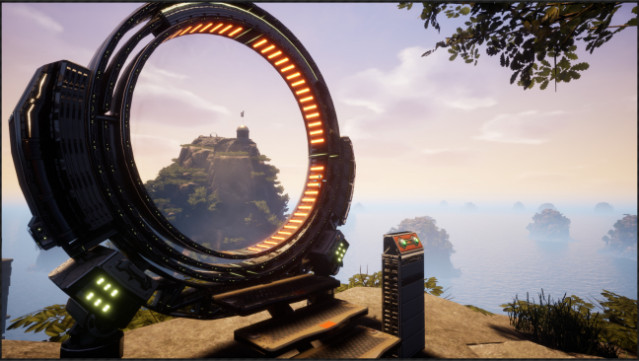
Step into an enchanting world filled with intricate puzzles that challenge your perception and creativity. This game blends relaxing exploration with brain-teasing mechanics, where the joy lies in uncovering how various devices function. As you navigate through beautifully designed environments, the solutions become increasingly elusive, requiring you to think outside the box. There’s no narrative to guide you, no clues to stumble upon—just a pure focus on the satisfaction that comes from solving problems. Expect a rewarding experience that might test your patience, but it ultimately leads to a fantastic sense of accomplishment. Ideal for puzzle enthusiasts who appreciate a minimalist approach and love the thrill of discovery.
Instructions
- Click the Download button below and you will be redirected to UploadHaven.
- Wait 5 seconds and click on the blue ‘download now’ button. We recommend using a download manager for faster download speeds. (You can use FDM which is free here, or any other download manager).
- Once the game is finished downloading, right click the .zip file and click on “Extract to Zof.zip” (To do this you will need 7-Zip, which you can get here, or you can use the built in windows extractor).
- Double click inside the Zof folder and run the setup application. Accept the EULA, and install the game. Then, launch the game through the desktop shortcut.
Zof Free Download
Reminder: This download is completely free and won't cost you a penny. However, If you love the game and want to purchase it, you can support the developers by doing so here.
System Requirements
- Requires a 64-bit processor and operating system
- OS: Windows 64bit
- Processor: Quad-core Intel or AMD processor, 2.5 GHz
- Memory: 8 GB RAM
- Graphics: NVIDIA GeForce 470 GTX / AMD Radeon 4850 ( 2GB+ )
- DirectX: Version 11
- Storage: 8 GB available space
- Sound Card: Any
- Additional Notes: Headphones recommended
Screenshots