About ZED ZONE
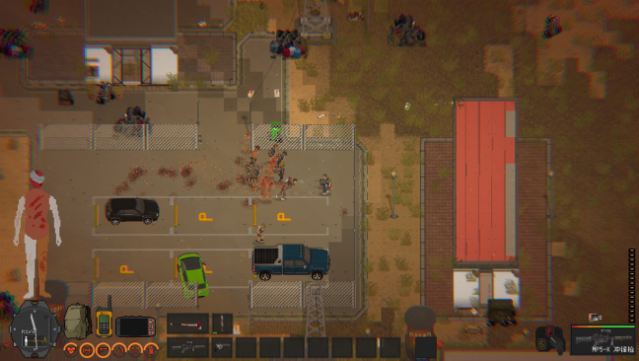
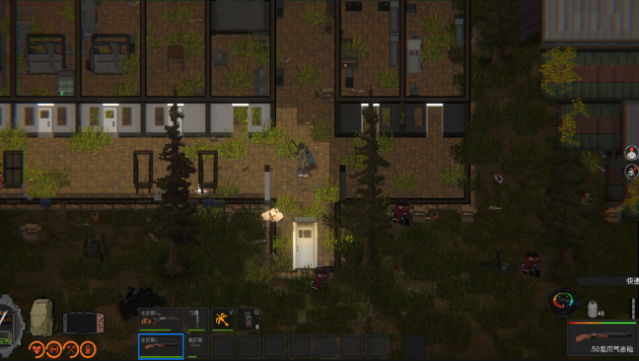
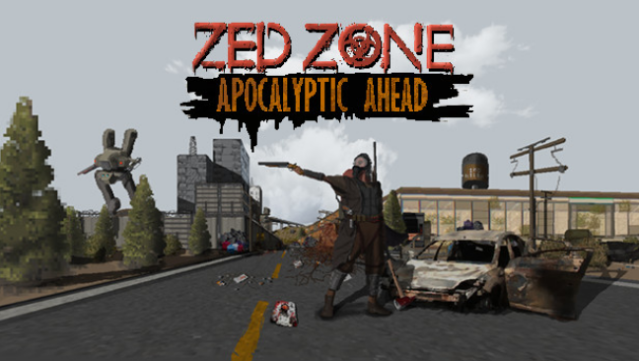
Dive into a thrilling zombie apocalypse where survival hinges on your ingenuity and resourcefulness. Set in a vast, procedurally generated world, you navigate a quarantined area filled with dangers and opportunities. The gameplay revolves around exploring your surroundings, crafting essential items, and upgrading your technology to enhance your chances of survival. Your ultimate goal is to repair a boat that will allow you to escape the relentless dangers of the infected zone. With its dynamic environment and emphasis on crafting, this game keeps the tension high and the excitement flowing. If you’re a fan of survival games with a twist, this one is definitely worth your time.
Instructions
- Click the Download button below and you will be redirected to UploadHaven.
- Wait 5 seconds and click on the blue ‘download now’ button. We recommend using a download manager for faster download speeds. (You can use FDM which is free here, or any other download manager).
- Once the game is finished downloading, right click the .zip file and click on “Extract to ZED ZONE v0.62.6.7.0.zip” (To do this you will need 7-Zip, which you can get here, or you can use the built in windows extractor).
- Double click inside the ZED ZONE v0.62.6.7.0 folder and run the setup application. Accept the EULA, and install the game. Then, launch the game through the desktop shortcut.
ZED ZONE Free Download (v0.62.6.7.0)
ZED ZONE (v0.62.6.7.0)
Size: 316.38 MB
Reminder: This download is completely free and won't cost you a penny. However, If you love the game and want to purchase it, you can support the developers by doing so here.
System Requirements
- OS: Win XP
- Processor: INTEL i3/ AMD R3
- Memory: 2 GB RAM
- Graphics: Nvidia GTX 660
- DirectX: Version 10
- Storage: 300 MB available space
Screenshots