About Zanzarah: The Hidden Portal
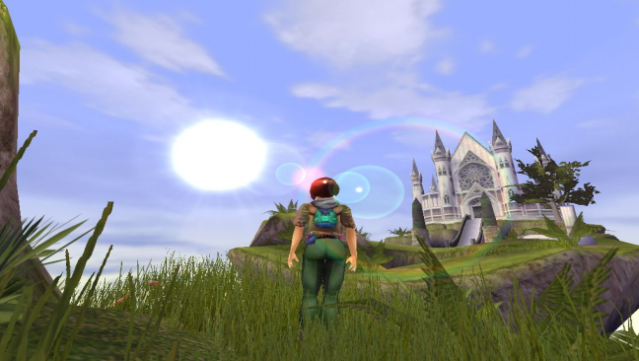
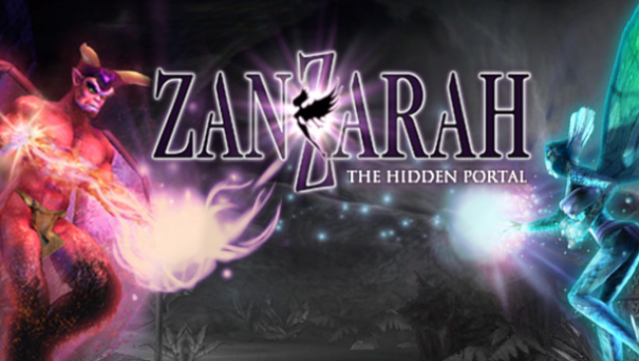
Dive into a beautifully crafted fantasy realm where your actions shape the fate of an enchanting world. In this adventure game, you step into the shoes of Amy, a young girl who finds herself in Zanzarah, a magical land in dire need of help. Your mission is to merge this fairytale kingdom with the human world while battling the forces that threaten its existence.
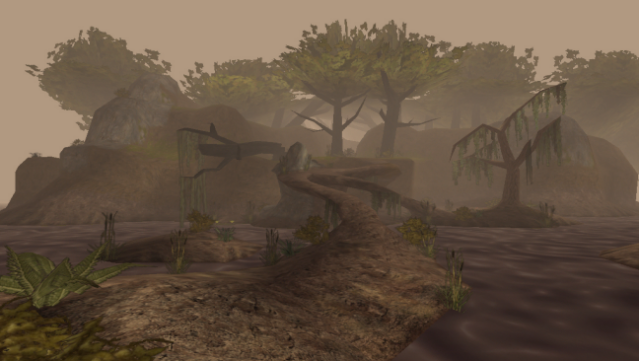
The gameplay centers around collecting, training, and organizing a diverse roster of 77 fairies and demons, each representing one of 12 elemental types. Engage in action-packed combat as you unleash these creatures in dynamic duels against evil foes. The immersive visuals are complemented by an original soundtrack that enhances the magical atmosphere. This game is perfect for fans of adventure and creature-collection titles who enjoy diving into rich, fantastical worlds.
Instructions
- Click the Download button below and you will be redirected to UploadHaven.
- Wait 5 seconds and click on the blue ‘download now’ button. We recommend using a download manager for faster download speeds. (You can use FDM which is free here, or any other download manager).
- Once the game is finished downloading, right click the .zip file and click on “Extract to Zanzarah: The Hidden Portal v1.010.zip” (To do this you will need 7-Zip, which you can get here, or you can use the built in windows extractor).
- Double click inside the Zanzarah: The Hidden Portal v1.010 folder and run the setup application. Accept the EULA, and install the game. Then, launch the game through the desktop shortcut.
Zanzarah: The Hidden Portal Free Download (v1.010)
Zanzarah: The Hidden Portal (v1.010)
Size: 858.11 MB
Reminder: This download is completely free and won't cost you a penny. However, If you love the game and want to purchase it, you can support the developers by doing so here.
System Requirements
- OS: Windows® VISTA,Windows® 7, Windows® 8
- Processor: Athlon or Pentium® 2 Processor with 500 Mhz
- Memory: 64 MB RAM MB RAM
- Graphics: 3D- Graphics card, 8MB (GeForce, Voodoo 5500)
- DirectX: Version 8.1
- Storage: 1400 MB available space
- Additional Notes: Please make sure you are using the latest graphics card driver (especially for NVIDIA cards). You can always find the latest drivers directly at the manufacturers’ website. Please do not rely on automatic Windows updates. – Symptom of NVIDIA cards: broken polygon display after starting the first scene. Solution: 1. Open NVIDIA control panel 2. Go to “Manage 3D settings” -> “Program Settings”, there, select “Zantph.exe” 3. Set the “Maximum count of pre-rendered single frames” to 1 and… 4. “Apply”. The grapic-errors should now be fixed. -Incompatibility with notebooks (FPS drops in the menu): Set your screen resolution to a modus with 32 bit color depth
Screenshots