About XO
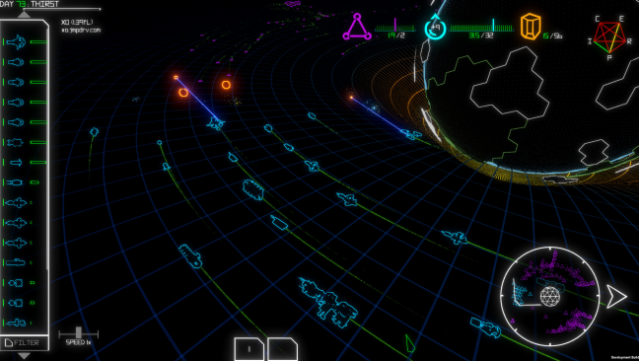
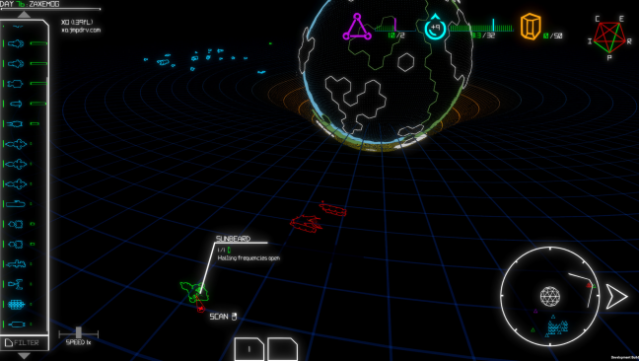
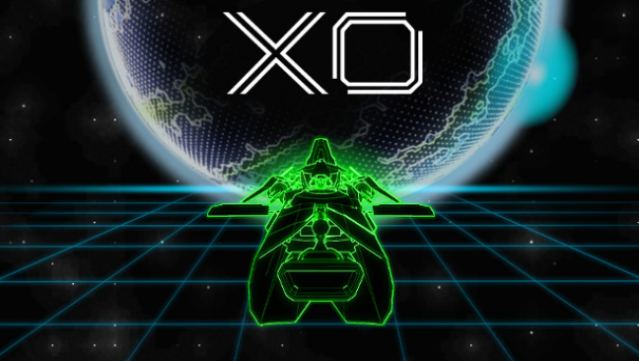
Dive into an exhilarating mix of strategy and chaos in this 3D space fleet roguelike that blends elements of beloved games like FTL, Battlestar Galactica, and Star Control. You command a fleet in a desperate bid to save humanity, making critical choices that impact your crew's survival and the fate of your mission. As you traverse procedurally generated galaxies, you'll gather a diverse array of ships, each with unique capabilities, from warships that bolster your firepower to farmships that keep your crew fed.
The game challenges you to balance resources while navigating complex political dynamics among various factions. Will you unite them, rule with an iron fist, or play them against each other? With elements of combat, diplomacy, and moral dilemmas at play, each decision shapes your journey. If you’re a fan of tactical decision-making and space exploration, this game is definitely one to check out.
Instructions
- Click the Download button below and you will be redirected to UploadHaven.
- Wait 5 seconds and click on the blue ‘download now’ button. We recommend using a download manager for faster download speeds. (You can use FDM which is free here, or any other download manager).
- Once the game is finished downloading, right click the .zip file and click on “Extract to XO v1.46d.zip” (To do this you will need 7-Zip, which you can get here, or you can use the built in windows extractor).
- Double click inside the XO v1.46d folder and run the setup application. Accept the EULA, and install the game. Then, launch the game through the desktop shortcut.
XO Free Download (v1.46d)
Reminder: This download is completely free and won't cost you a penny. However, If you love the game and want to purchase it, you can support the developers by doing so here.
System Requirements
- OS: Windows 7 SP1+
- Processor: Core i5+
- Memory: 2 GB RAM
- Storage: 400 MB available space
Screenshots