About Who's That Flying?!
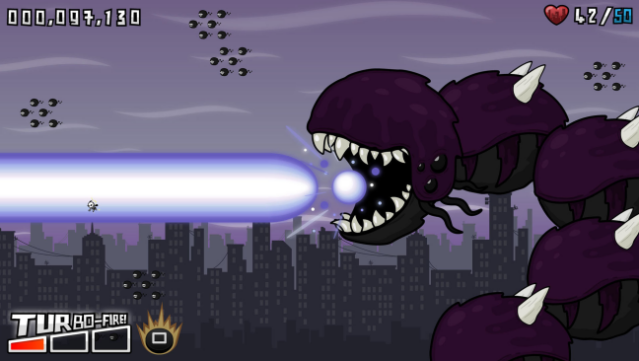
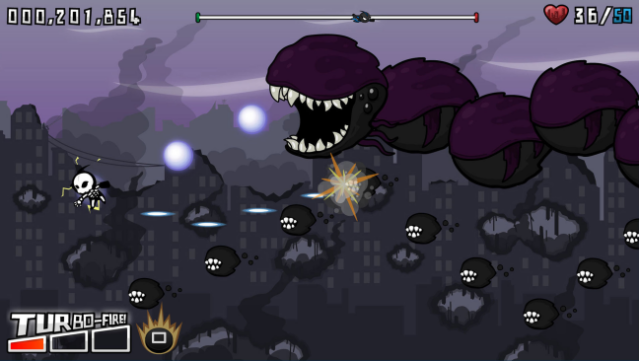
Step into the role of the enigmatic "Guardian of Earth," armed with a powerful laser arm and a flair for the dramatic. This action-packed adventure blends elements of storytelling with intense arcade-style gameplay as you fend off waves of Doom Beasts threatening your cities while managing your reputation.
The game features a robust story mode with 15 levels spread across five distinct stages, where you encounter a variety of 11 enemy types and face off against colossal bosses. Beyond the main campaign, players can dive into Infinite Mode, tackle 24 Challenge Mode stages, and unlock bonus magazine articles that add depth to the narrative. You'll also experience thrilling courtroom cutscenes as you navigate accusations from the Galactic Council of Justice, making every victory bittersweet.
Ideal for fans of quirky action games and those who love a mix of humor and chaos in their gameplay, this title promises a wild ride full of surprises.

Instructions
- Click the Download button below and you will be redirected to UploadHaven.
- Wait 5 seconds and click on the blue ‘download now’ button. We recommend using a download manager for faster download speeds. (You can use FDM which is free here, or any other download manager).
- Once the game is finished downloading, right click the .zip file and click on “Extract to Who's That Flying?!.zip” (To do this you will need 7-Zip, which you can get here, or you can use the built in windows extractor).
- Double click inside the Who's That Flying?! folder and run the setup application. Accept the EULA, and install the game. Then, launch the game through the desktop shortcut.
Who’s That Flying?! Free Download
Who's That Flying?!
Size: 474.62 MB
Reminder: This download is completely free and won't cost you a penny. However, If you love the game and want to purchase it, you can support the developers by doing so here.
System Requirements
- OS *: Windows XP
- Processor: 2Ghz or Higher
- Memory: 1 Gb
- Hard Drive: 400 mb
- Sound: Windows compatible sound card
Screenshots