About Waterfall Prisoner
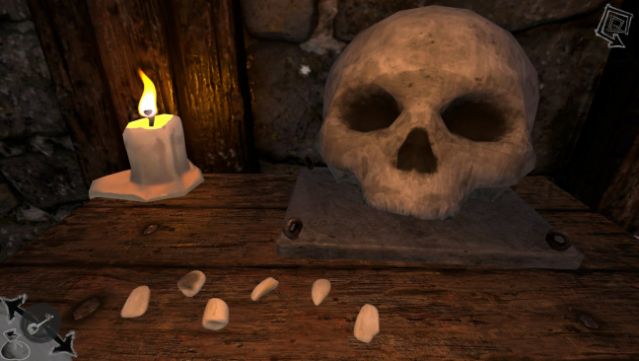
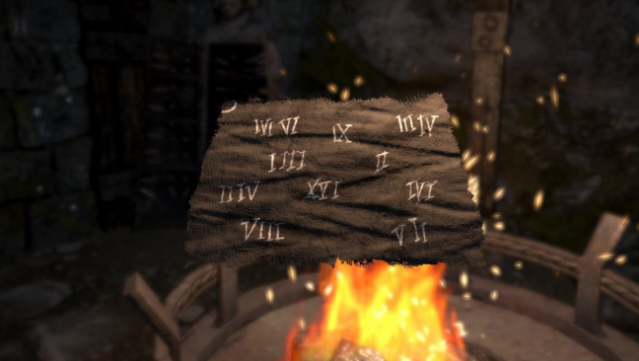
Imagine waking up in a damp, dark cell with nothing but your wits to guide you—this is the starting point of your escape from the enigmatic Waterfall Tower. This puzzle-adventure game invites you to solve intricate riddles and engage with unique contraptions that block your way to freedom. As you explore the tower, you'll uncover secrets left behind by previous captives, using their hints and a variety of items to unlock new paths.
With its focus on classic puzzle-solving mechanics and a captivating environment filled with quirky inhabitants, the game draws you into a rich narrative woven through the challenges you face. It's a compact yet immersive experience that harks back to the beloved adventure games of yesteryear. Perfect for fans of challenging puzzles and atmospheric storytelling, this game keeps you guessing until the very end.
Instructions
- Click the Download button below and you will be redirected to UploadHaven.
- Wait 5 seconds and click on the blue ‘download now’ button. We recommend using a download manager for faster download speeds. (You can use FDM which is free here, or any other download manager).
- Once the game is finished downloading, right click the .zip file and click on “Extract to Waterfall Prisoner v1.0.1.zip” (To do this you will need 7-Zip, which you can get here, or you can use the built in windows extractor).
- Double click inside the Waterfall Prisoner v1.0.1 folder and run the setup application. Accept the EULA, and install the game. Then, launch the game through the desktop shortcut.
Waterfall Prisoner Free Download (v1.0.1)
Waterfall Prisoner (v1.0.1)
Size: 3.60 GB
Reminder: This download is completely free and won't cost you a penny. However, If you love the game and want to purchase it, you can support the developers by doing so here.
System Requirements
- OS *: Windows 7
- Processor: Intel Core i3
- Memory: 8 GB RAM
- Graphics: NVIDIA GeForce GTX 650 | AMD Radeon RX 550 (2gb)
- DirectX: Version 11
- Storage: 5 GB available space
- Additional Notes: Low-Medium quality settings recommended
Screenshots