About Wallace & Gromits Grand Adventures
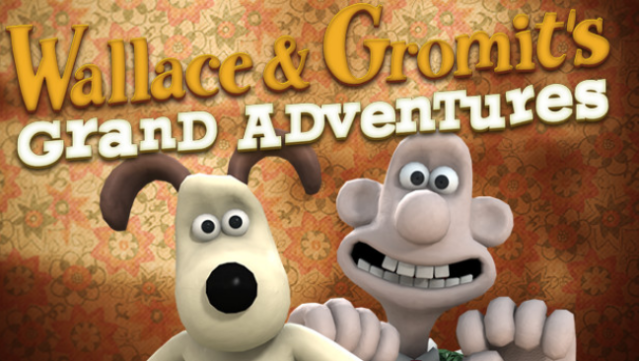
Dive into the whimsical world of West Wallaby Street, where you join a quirky inventor and his clever dog on four delightful escapades filled with humor and charm. This point-and-click adventure game showcases the unique animation style of Aardman, renowned for their beloved films, while the engaging storytelling pulls players into imaginative scenarios that require both wit and problem-solving.
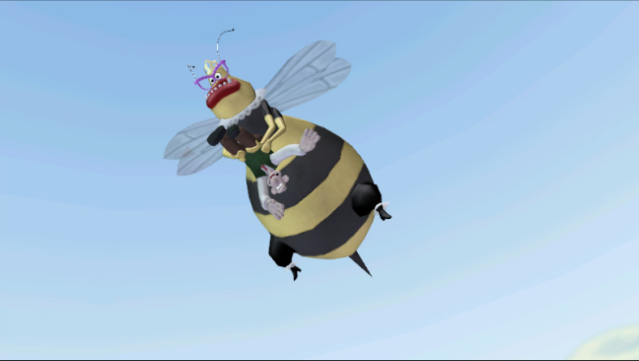
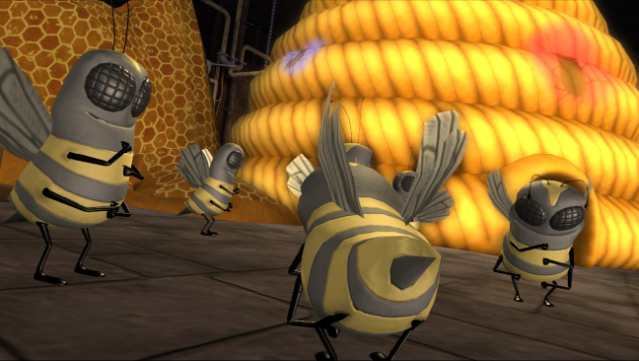
As players navigate through conundrums involving massive bees, a mysterious beach resort hidden in a cellar, and a host of other outlandish adventures, they can expect a mix of clever puzzles and lighthearted storytelling. Each episode offers a new setting and quirky challenges, bringing the endearing duo's antics to life. Perfect for fans of classic adventure games and Aardman's unique brand of humor, this title is a must-try for those who appreciate clever storytelling and engaging gameplay.
Instructions
- Click the Download button below and you will be redirected to UploadHaven.
- Wait 5 seconds and click on the blue ‘download now’ button. We recommend using a download manager for faster download speeds. (You can use FDM which is free here, or any other download manager).
- Once the game is finished downloading, right click the .zip file and click on “Extract to Wallace & Gromits Grand Adventures.zip” (To do this you will need 7-Zip, which you can get here, or you can use the built in windows extractor).
- Double click inside the Wallace & Gromits Grand Adventures folder and run the setup application. Accept the EULA, and install the game. Then, launch the game through the desktop shortcut.
Wallace & Gromits Grand Adventures Free Download
Wallace & Gromits Grand Adventures
Size: 1.90 GB
Reminder: This download is completely free and won't cost you a penny. However, If you love the game and want to purchase it, you can support the developers by doing so here.
System Requirements
- Operating System: Microsoft® Windows® XP/Vista
- Processor: 2.0 Ghz or better (3 GHz Pentium® 4 or equivalent recommended)
- Memory: 512 MB RAM (1GB recommended)
- Hard Disk Space: 310 MB
- Video Card: 64 MB DirectX® 8.1 compliant video card (128 MB recommended)
- Sound Card: DirectX® 8.1 sound device
- DirectX® Version: DirectX® Version 9.0c or better (DirectX updater included)
- Controller Support: Yes
Screenshots