About Void -dementia-
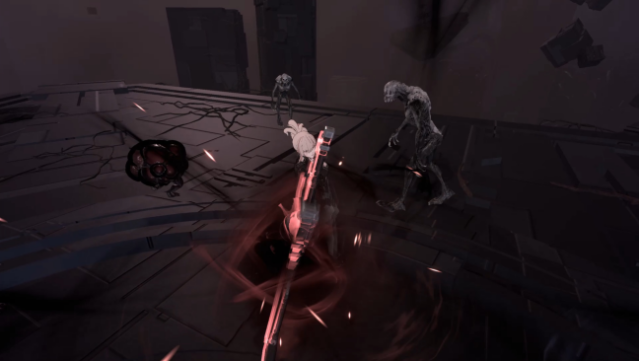
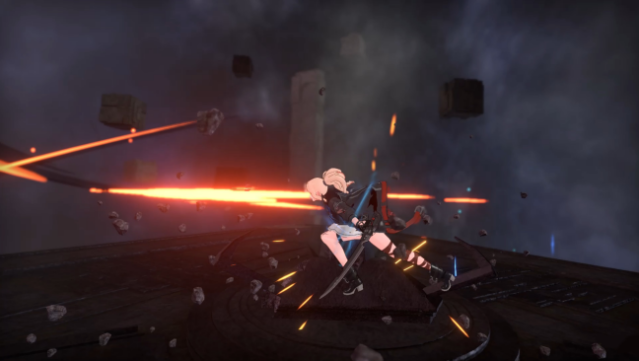
Dive into a mysterious world where the boundaries of memory and identity blur, and uncover the secrets of the void. This action-packed RPG centers around a formidable swordswoman on a quest to recover her lost memories while battling through a haunting realm. Players can experience a dynamic combat system that allows seamless switching between three weapon types: katana, dual blades, and a greatsword, enabling a tailored fighting style against various enemies.
With five formidable bosses to conquer, each encounter tests your skills and strategies, while a total of 50 unique skills and 19 masteries offer extensive customization. Additionally, players can engage in 48 challenges and compete in an online ranking system to see how they stack up against others.
This game is perfect for those who enjoy intense boss battles and a rich narrative experience interwoven with challenging gameplay.

Instructions
- Click the Download button below and you will be redirected to UploadHaven.
- Wait 5 seconds and click on the blue ‘download now’ button. We recommend using a download manager for faster download speeds. (You can use FDM which is free here, or any other download manager).
- Once the game is finished downloading, right click the .zip file and click on “Extract to Void -dementia- v0.2058.zip” (To do this you will need 7-Zip, which you can get here, or you can use the built in windows extractor).
- Double click inside the Void -dementia- v0.2058 folder and run the setup application. Accept the EULA, and install the game. Then, launch the game through the desktop shortcut.
Void -dementia- Free Download (v0.2058)
Void -dementia- (v0.2058)
Size: 3.30 GB
Reminder: This download is completely free and won't cost you a penny. However, If you love the game and want to purchase it, you can support the developers by doing so here.
System Requirements
- Requires a 64-bit processor and operating system
- OS: Windows 7 (SP1+)/8.1/10 64bit
- Processor: Intel i3 +
- Memory: 4 GB RAM
- Graphics: NVIDIA GeForce GTX 960
- Storage: 7 GB available space
Screenshots