About Virtua Tennis 4
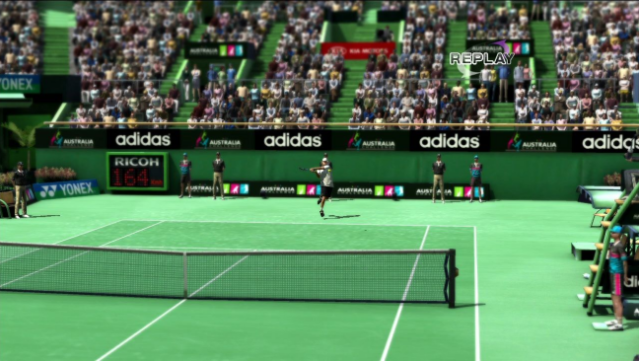
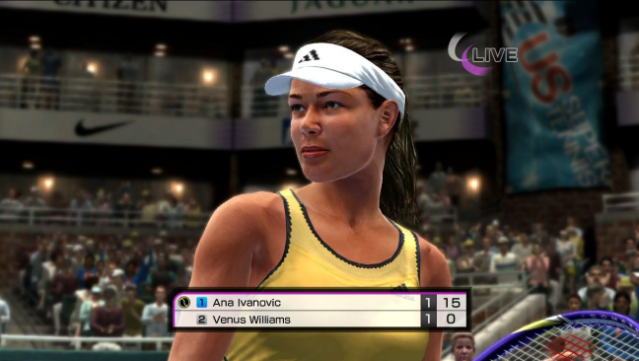
Experience the thrill of tennis like never before in this engaging sports title that brings together legendary players and fresh talent. As a sports simulation game, it features an impressive roster of 19 stars, including icons like Nadal, Federer, and Sharapova, providing a rich competitive atmosphere. The revamped World Tour mode introduces RPG elements, allowing players to shape their careers with every decision, ensuring unique journeys for each athlete.
The game also boasts a robust online hub, utilizing cutting-edge matchmaking technology to facilitate exciting tournaments and community engagement. With the addition of a Match Momentum feature, players can enjoy heightened drama on the court, as their confidence grows with each successful shot. Additionally, revamped mini-games with diverse weather conditions inject new life into multiplayer competitions.
This title is perfect for tennis enthusiasts and gamers who appreciate a blend of sports and RPG mechanics.

Instructions
- Click the Download button below and you will be redirected to UploadHaven.
- Wait 5 seconds and click on the blue ‘download now’ button. We recommend using a download manager for faster download speeds. (You can use FDM which is free here, or any other download manager).
- Once the game is finished downloading, right click the .zip file and click on “Extract to Virtua Tennis 4.zip” (To do this you will need 7-Zip, which you can get here, or you can use the built in windows extractor).
- Double click inside the Virtua Tennis 4 folder and run the setup application. Accept the EULA, and install the game. Then, launch the game through the desktop shortcut.
Virtua Tennis 4 Free Download
Reminder: This download is completely free and won't cost you a penny. However, If you love the game and want to purchase it, you can support the developers by doing so here.
System Requirements
- OS: Windows 7 / Vista / XP
- Processor: 2GHz Intel® Core™2 Duo or AMD equivalent
- Memory: 2GB RAM
- Graphics: NVIDIA® GeForce® 7800 / ATI Radeon™ X1800
Screenshots