About VED
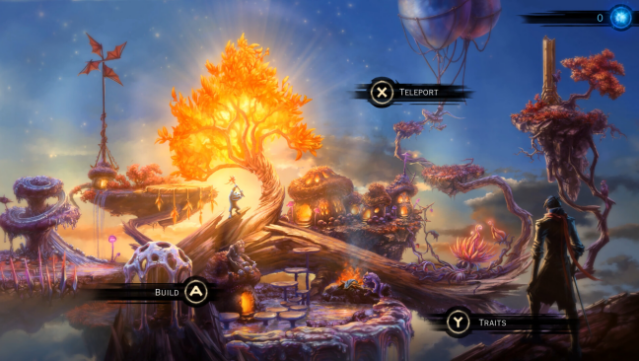
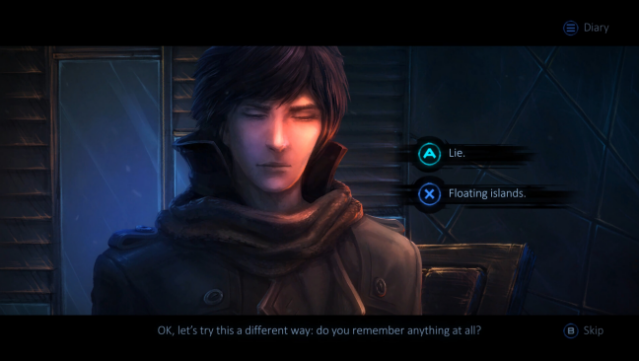
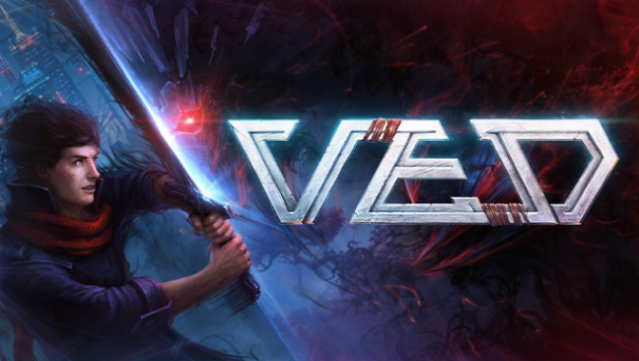
Dive into a captivating RPG where your choices shape the fate of two interconnected worlds. Set in a vibrant universe filled with stunning hand-drawn visuals, you assume the role of Cyrus, a young hero navigating the bustling city of Micropolis and uncovering the secrets of teleportation. The gameplay revolves around turn-based combat, allowing you to strategize while utilizing a unique teleportation mechanic to outsmart foes.
Key features include a non-linear narrative with significant consequences, a variety of factions that alter the political landscape, and a village-building element that lets you unlock new spells and abilities. With each decision you make, you’ll face irreversible outcomes that lead to multiple alternative endings. The eclectic soundtrack enhances the immersive experience, adding depth to your adventure.
Fans of intricate storytelling and strategic combat will find plenty to enjoy in this enchanting journey.
Instructions
- Click the Download button below and you will be redirected to UploadHaven.
- Wait 5 seconds and click on the blue ‘download now’ button. We recommend using a download manager for faster download speeds. (You can use FDM which is free here, or any other download manager).
- Once the game is finished downloading, right click the .zip file and click on “Extract to VED v1.02.zip” (To do this you will need 7-Zip, which you can get here, or you can use the built in windows extractor).
- Double click inside the VED v1.02 folder and run the setup application. Accept the EULA, and install the game. Then, launch the game through the desktop shortcut.
VED Free Download (v1.02)
Reminder: This download is completely free and won't cost you a penny. However, If you love the game and want to purchase it, you can support the developers by doing so here.
System Requirements
- Requires a 64-bit processor and operating system
- OS: Windows 10+
- Processor: Intel Core i3 | AMD Athlon X4
- Memory: 4 GB RAM
- Graphics: Nvidia GTX 950 | AMD R7 370
- DirectX: Version 11
- Storage: 8 GB available space
- Additional Notes: SSD (Preferred)
Screenshots