About Vectronom
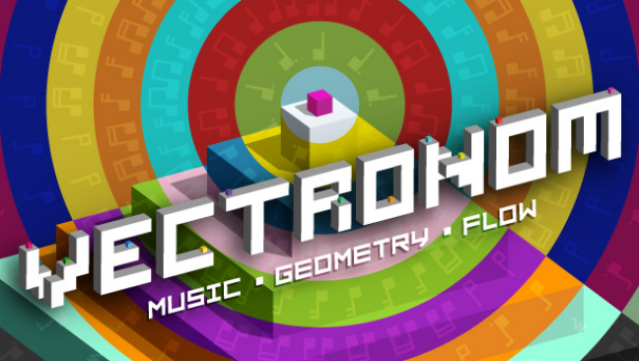
Dive into a vibrant, rhythmic experience where every move you make is dictated by the pulse of an electrifying soundtrack. This game combines mesmerizing visuals with addictive gameplay, inviting players to navigate a dynamic geometric landscape that shifts in time with the beat. The core loop revolves around maintaining rhythm while overcoming progressively challenging obstacles, ensuring that players stay engaged and on their toes.
Standout features include a captivating solo campaign designed to test your skills, as well as a multiplayer mode that lets friends join in on the fun. Additionally, the inclusion of a level editor allows for endless creativity, enabling players to craft and share their own mind-bending puzzles. This game is perfect for anyone looking to groove through a unique rhythm-based adventure.
Instructions
- Click the Download button below and you will be redirected to UploadHaven.
- Wait 5 seconds and click on the blue ‘download now’ button. We recommend using a download manager for faster download speeds. (You can use FDM which is free here, or any other download manager).
- Once the game is finished downloading, right click the .zip file and click on “Extract to Vectronom v1.1.4.2182.2322.zip” (To do this you will need 7-Zip, which you can get here, or you can use the built in windows extractor).
- Double click inside the Vectronom v1.1.4.2182.2322 folder and run the setup application. Accept the EULA, and install the game. Then, launch the game through the desktop shortcut.
Vectronom Free Download (v1.1.4.2182.2322)
Vectronom (v1.1.4.2182.2322)
Size: 505.88 MB
Reminder: This download is completely free and won't cost you a penny. However, If you love the game and want to purchase it, you can support the developers by doing so here.
System Requirements
- Requires a 64-bit processor and operating system
- OS: Windows 7 SP1+
- Processor: SSE2 instruction set support
- Memory: 4 GB RAM
- Graphics: DX10 (shader model 4.0)
- DirectX: Version 10
- Storage: 800 MB available space
Screenshots