About Upload Simulator
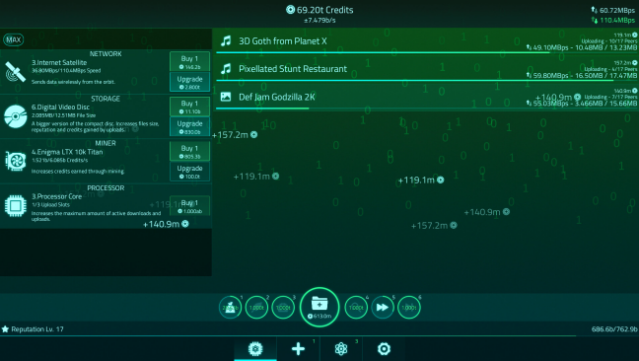
Dive into the intriguing world of digital transactions in this unique simulation game that revolves around uploading and downloading files for credits and reputation. Set in a tech-driven environment, players engage in a cycle of managing connections, improving hardware, and amplifying their online presence. The gameplay centers on enhancing your components for better performance, enabling faster uploads and larger storage capabilities.
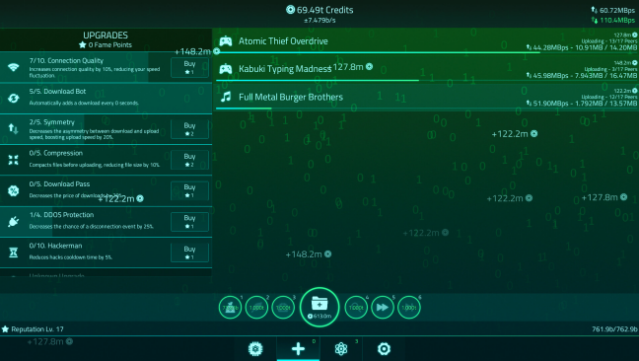
Standout features include the ability to utilize hack skills to accelerate your progress, collecting artifacts that offer substantial advantages, and researching new technologies to stay ahead. You can even automate production with the Manufactory and boost your performance using the Overclocker. With over 60 achievements to chase, this game offers plenty of motivation. If you enjoy simulation and management mechanics, this game is definitely worth checking out.

Instructions
- Click the Download button below and you will be redirected to UploadHaven.
- Wait 5 seconds and click on the blue ‘download now’ button. We recommend using a download manager for faster download speeds. (You can use FDM which is free here, or any other download manager).
- Once the game is finished downloading, right click the .zip file and click on “Extract to Upload Simulator v2.1.2.zip” (To do this you will need 7-Zip, which you can get here, or you can use the built in windows extractor).
- Double click inside the Upload Simulator v2.1.2 folder and run the setup application. Accept the EULA, and install the game. Then, launch the game through the desktop shortcut.
Upload Simulator Free Download (v2.1.2)
Upload Simulator (v2.1.2)
Size: 98.92 MB
Reminder: This download is completely free and won't cost you a penny. However, If you love the game and want to purchase it, you can support the developers by doing so here.
System Requirements
- OS: Windows XP/Vista/7/8 or 10
- Processor: 2.3 GHz Intel Core 2 Duo or better
- Memory: 512 MB RAM
- Graphics: OpenGL 2 compatible video card
- Storage: 80 MB available space
Screenshots