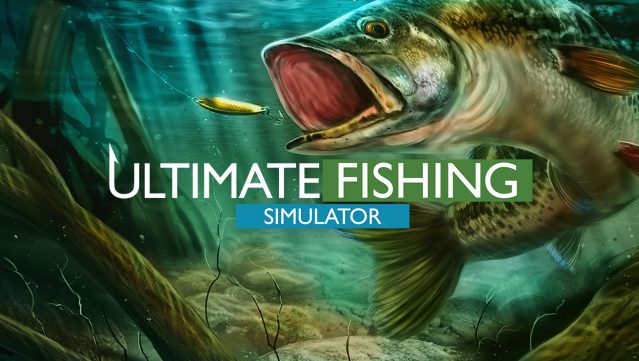
About Ultimate Fishing Simulator
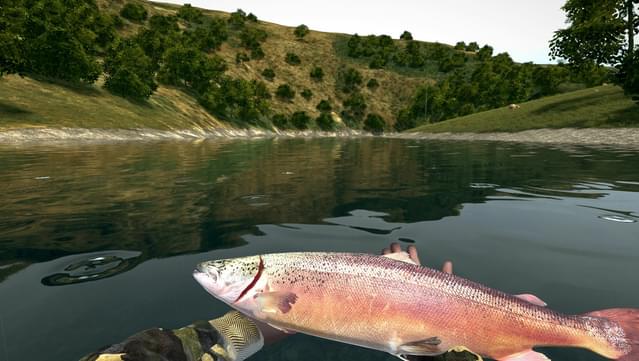
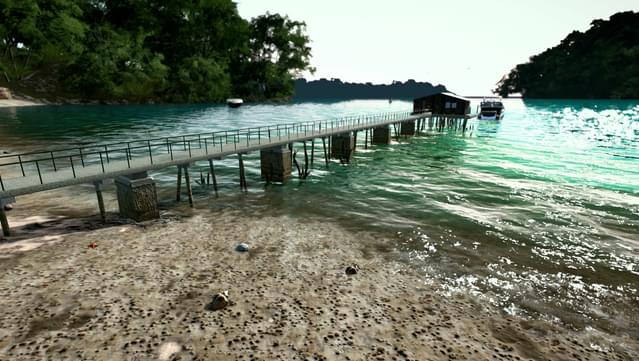
This fishing simulator takes the genre to a whole new level, offering a realistic experience without needing to be online. Players can explore various stunning locations worldwide while using different fishing techniques. The gameplay revolves around selecting the right gear and bait, casting your line, and patiently waiting for a catch, ensuring you never feel bored or frustrated waiting for a bite.
Standout features include a winter map for ice fishing, detailed SAKURA licensed equipment, and the freedom to choose what to do with your catches—whether to sell, release, or mount them. With both Normal and Realistic difficulty modes, there's a challenge for everyone. Plus, the level editor lets you design and share your own dream fisheries with friends. This game is perfect for fishing enthusiasts and anyone looking for an immersive, laid-back gaming experience.
Instructions
- Click the Download button below and you will be redirected to UploadHaven.
- Wait 5 seconds and click on the blue ‘download now’ button. We recommend using a download manager for faster download speeds. (You can use FDM which is free here, or any other download manager).
- Once the game is finished downloading, right click the .zip file and click on “Extract to Ultimate Fishing Simulator v2.24.8.500.zip” (To do this you will need 7-Zip, which you can get here, or you can use the built in windows extractor).
- Double click inside the Ultimate Fishing Simulator v2.24.8.500 folder and run the setup application. Accept the EULA, and install the game. Then, launch the game through the desktop shortcut.
Ultimate Fishing Simulator Free Download (v2.24.8.500 & ALL DLC)
Ultimate Fishing Simulator (v2.24.8.500)
Size: 6.83 GB
Reminder: This download is completely free and won't cost you a penny. However, If you love the game and want to purchase it, you can support the developers by doing so here.
System Requirements
- Windows 7/8/8.1/10 (x64 x86)
- Core i5
- 4 GB RAM
- NVIDIA GTX 660 2GB VRAM
- Version 11
- 12 GB available space
- DirectX compatible
Screenshots