About Triple Take
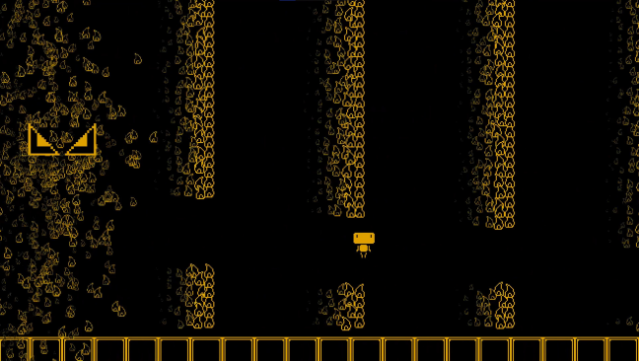
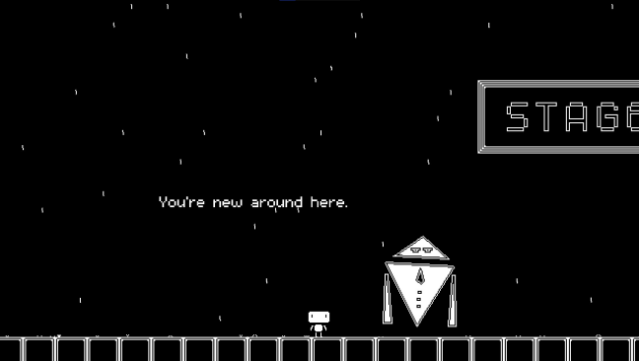
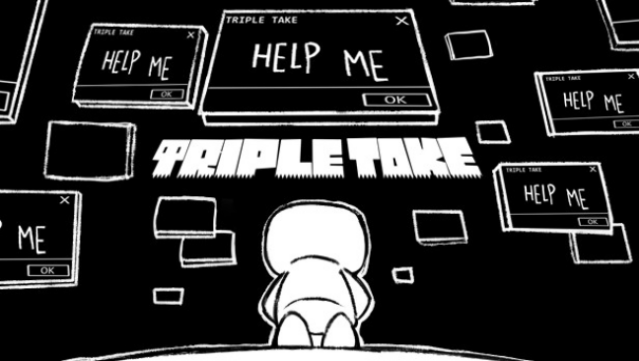
This platformer keeps you on your toes by transforming levels each time you clear them, ensuring that no two runs feel the same. Set across five vibrant worlds, the gameplay centers on replaying each of the over 50 levels up to three times, as they evolve with new challenges, obstacles, and pathways. With each successful completion, players encounter tougher jumps and unexpected threats, adding a layer of complexity that hooks you in. The game also features thrilling boss fights that test your skills further, all accompanied by an exceptional soundtrack by Tobias Roberts. If you enjoy games that mix classic platforming with a twist, you'll definitely want to give this one a shot.
Instructions
- Click the Download button below and you will be redirected to UploadHaven.
- Wait 5 seconds and click on the blue ‘download now’ button. We recommend using a download manager for faster download speeds. (You can use FDM which is free here, or any other download manager).
- Once the game is finished downloading, right click the .zip file and click on “Extract to Triple Take.zip” (To do this you will need 7-Zip, which you can get here, or you can use the built in windows extractor).
- Double click inside the Triple Take folder and run the setup application. Accept the EULA, and install the game. Then, launch the game through the desktop shortcut.
Triple Take Free Download
Reminder: This download is completely free and won't cost you a penny. However, If you love the game and want to purchase it, you can support the developers by doing so here.
System Requirements
- OS: Windows 10
- Processor: 1.8GHz Dual-Core CPU
- Memory: 4 GB RAM
- Graphics: Integrated graphics
- Storage: 1 GB available space
Screenshots