About Toodee and Topdee
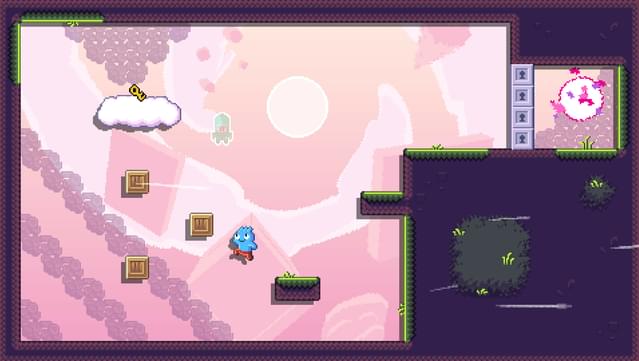
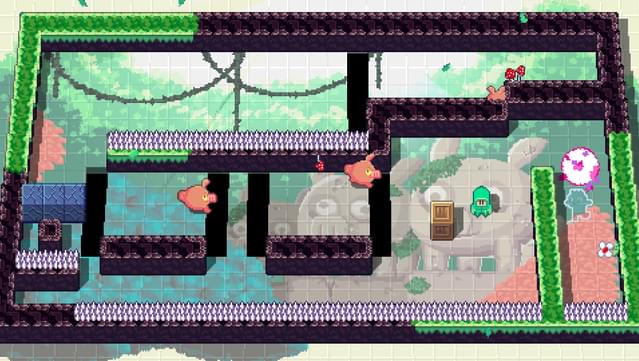
Dive into a unique blend of 2D platforming and top-down puzzling that keeps you constantly switching perspectives. In this game, you alternate between Toodee and Topdee, each offering distinct gameplay styles that challenge your problem-solving skills. The core loop involves navigating through intricate levels filled with brain-teasing puzzles and demanding platforming sequences, all while adapting to the shifting mechanics based on who you control.
With a variety of mind-bending challenges and the ability to tweak difficulty settings, it ensures that players of all skill levels can enjoy the experience. Whether you’re a puzzle aficionado or a platforming pro, this game caters to your tastes. If you enjoy clever gameplay that tests your skills and adaptability, this title is definitely worth checking out.
Instructions
- Click the Download button below and you will be redirected to UploadHaven.
- Wait 5 seconds and click on the blue ‘download now’ button. We recommend using a download manager for faster download speeds. (You can use FDM which is free here, or any other download manager).
- Once the game is finished downloading, right click the .zip file and click on “Extract to Toodee and Topdee v1.zip” (To do this you will need 7-Zip, which you can get here, or you can use the built in windows extractor).
- Double click inside the Toodee and Topdee v1 folder and run the setup application. Accept the EULA, and install the game. Then, launch the game through the desktop shortcut.
Toodee and Topdee Free Download (v1)
Toodee and Topdee (v1)
Size: 68.81 MB
Reminder: This download is completely free and won't cost you a penny. However, If you love the game and want to purchase it, you can support the developers by doing so here.
System Requirements
- Windows 10 and above
- i3
- 4 GB RAM
- Intel HD 4000
- 500 MB available space
Screenshots