About Tomba! Special Edition
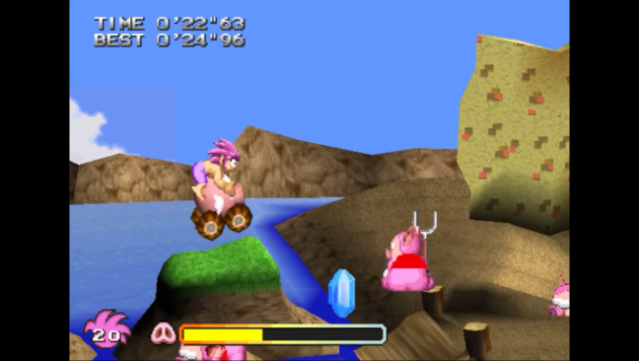
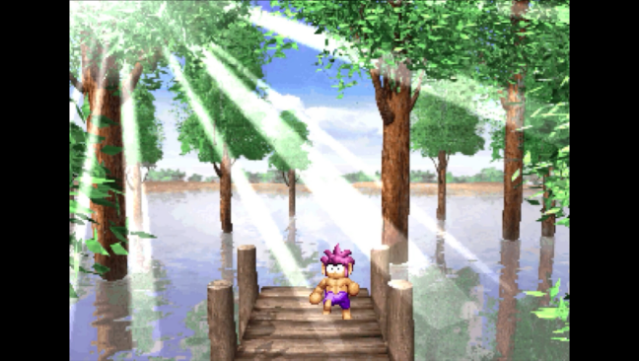
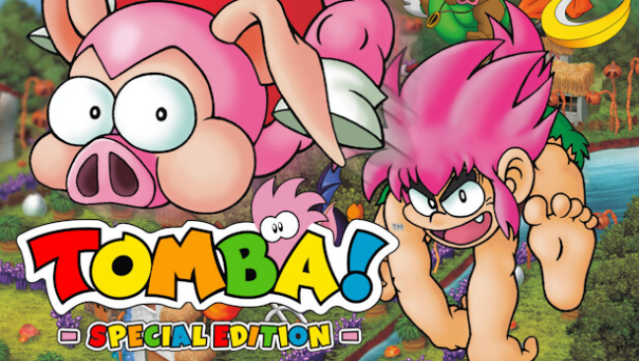
Dive into a whimsical platforming adventure where you control Tomba, a vibrant character tasked with defeating a gang of troublesome pigs across beautiful 2.5D environments. This special edition revitalizes the beloved classic with both linear and nonlinear gameplay elements, encouraging exploration and creativity. As you journey through the game, you encounter ancient relics, quirky characters, and a treasure trove of quests waiting to be uncovered.
What sets this version apart are the quality-of-life enhancements like the ability to save anywhere, a helpful rewind feature for tackling tough challenges, and the option for analog control. Additionally, the game includes a treasure-filled museum showcasing classic ads, original packaging, and even interviews with the original creator, Tokuro Fujiwara. This title is perfect for fans of retro platformers and those seeking a charming mix of nostalgia and modern improvements.
Instructions
- Click the Download button below and you will be redirected to UploadHaven.
- Wait 5 seconds and click on the blue ‘download now’ button. We recommend using a download manager for faster download speeds. (You can use FDM which is free here, or any other download manager).
- Once the game is finished downloading, right click the .zip file and click on “Extract to Tomba! Special Edition.zip” (To do this you will need 7-Zip, which you can get here, or you can use the built in windows extractor).
- Double click inside the Tomba! Special Edition folder and run the setup application. Accept the EULA, and install the game. Then, launch the game through the desktop shortcut.
Tomba! Special Edition Free Download
Tomba! Special Edition
Size: 3.62 GB
Reminder: This download is completely free and won't cost you a penny. However, If you love the game and want to purchase it, you can support the developers by doing so here.
System Requirements
- Requires a 64-bit processor and operating system
- OS: Windows 10 (64-bit OS required)
- Processor: Interl(R) Core 2 Duo E7500
- Memory: 4 GB RAM
- Graphics: NVIDIA GeForce GTX 750 or equivalent
- DirectX: Version 11
- Storage: 6 GB available space
Screenshots