About Tin Can
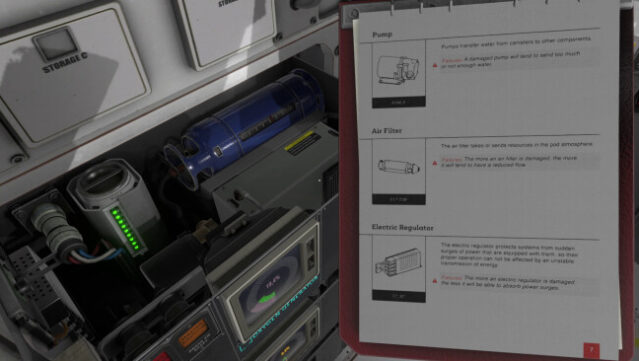
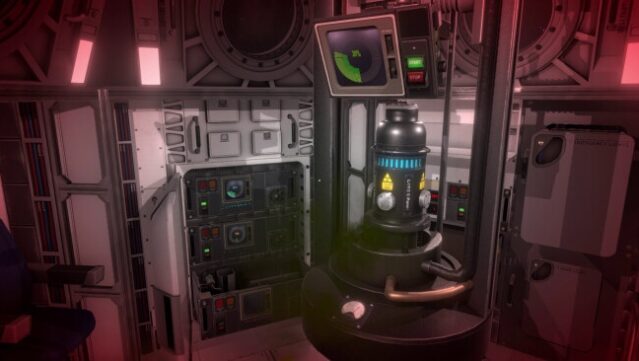
In a universe where even the simplest tech can turn into a survival nightmare, this game challenges you to maintain your space pod's systems while navigating the chaos of malfunctioning equipment. As a tech support specialist, you dive into a gripping mix of simulation and puzzle-solving, ensuring everything from the oxygen generator to the emergency lights is functioning properly. Each component plays a crucial role, and you must address interconnected issues that can arise unexpectedly. With over a dozen distinct systems to manage, every decision you make can mean the difference between life and death in the vastness of space. This game is perfect for fans of resource management and those who enjoy a hands-on approach to problem-solving in high-stakes environments.
Instructions
- Click the Download button below and you will be redirected to UploadHaven.
- Wait 5 seconds and click on the blue ‘download now’ button. We recommend using a download manager for faster download speeds. (You can use FDM which is free here, or any other download manager).
- Once the game is finished downloading, right click the .zip file and click on “Extract to Tin Can v1.0.0.7c.zip” (To do this you will need 7-Zip, which you can get here, or you can use the built in windows extractor).
- Double click inside the Tin Can v1.0.0.7c folder and run the setup application. Accept the EULA, and install the game. Then, launch the game through the desktop shortcut.
Tin Can Free Download (v1.0.0.7c)
Tin Can (v1.0.0.7c)
Size: 3.66 GB
Reminder: This download is completely free and won't cost you a penny. However, If you love the game and want to purchase it, you can support the developers by doing so here.
System Requirements
- OS: Windows 7
- Processor: Core I5
- Memory: 8 GB RAM
- Graphics: GTX 960 or equivalent
- Storage: 2 GB available space
- Additional Notes: Temporary minimum configuration
Screenshots