About The Villain Simulator
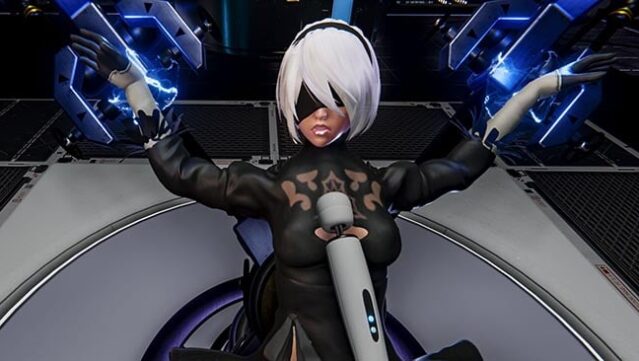
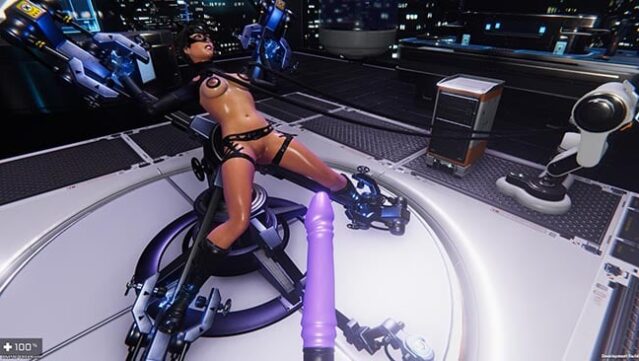
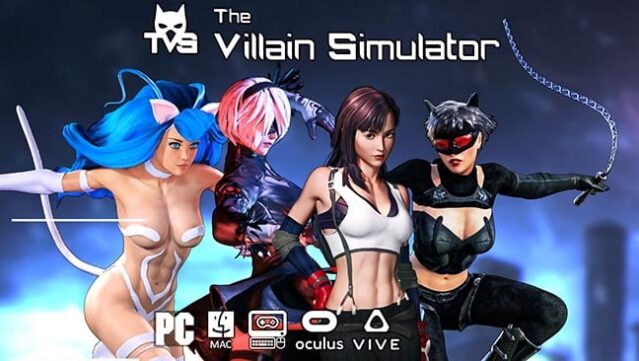
Imagine stepping into the shoes of a villain who effortlessly outsmarts heroes and revels in their defeat. This unique experience blends elements of strategy and adult themes, allowing players to design devious traps that ensnare unsuspecting heroes. Set in a stylized world reminiscent of classic comic book aesthetics, the game revolves around crafting elaborate scenarios where you can control the fate of your captured foes.
With an emphasis on creativity, players can experiment with various trap mechanics and scenarios, all while exploring power dynamics and submission themes. The gameplay loop keeps you engaged as you plot, execute, and witness the thrill of victory over your heroic adversaries.
This game is perfect for fans of adult-themed strategy games who enjoy exploring unconventional narratives and villainous plots.
Instructions
- Click the Download button below and you will be redirected to UploadHaven.
- Wait 5 seconds and click on the blue ‘download now’ button. We recommend using a download manager for faster download speeds. (You can use FDM which is free here, or any other download manager).
- Once the game is finished downloading, right click the .zip file and click on “Extract to The Villain Simulator v0.46.2 & Uncensored.zip” (To do this you will need 7-Zip, which you can get here, or you can use the built in windows extractor).
- Double click inside the The Villain Simulator v0.46.2 & Uncensored folder and run the setup application. Accept the EULA, and install the game. Then, launch the game through the desktop shortcut.
The Villain Simulator Free Download (v0.46.2 & Uncensored)
The Villain Simulator (v0.46.2 & Uncensored)
Size: 5.89 GB
Reminder: This download is completely free and won't cost you a penny. However, If you love the game and want to purchase it, you can support the developers by doing so here.
System Requirements
- OS: Windows 7 or greater
- Processor: 2 GHz Dual Core or faster
- Memory: 4 GB RAM
- Graphics: 1 GB of VRAM
- Storage: 4 GB available space
Screenshots