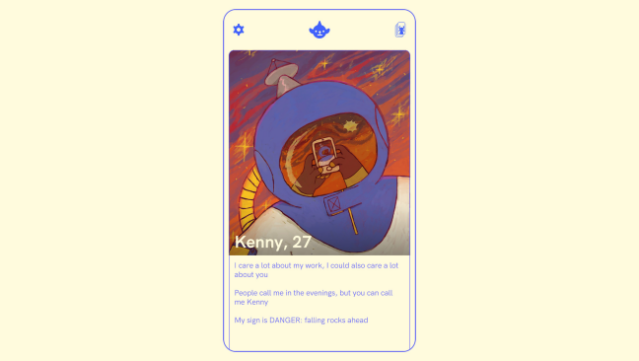
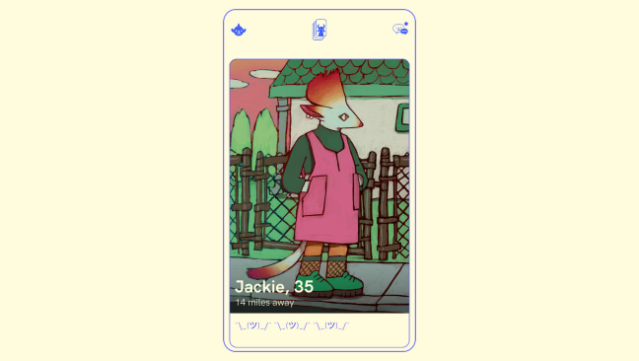
About Tender: Creature Comforts
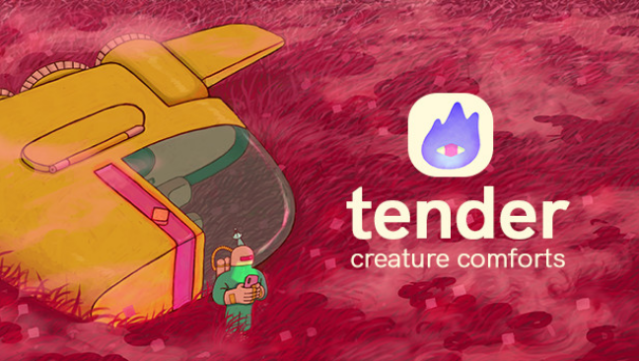
This narrative experience dives into the complexities of connection and rejection in today's swipe-driven dating landscape. Set against a backdrop of intergalactic profiles, players navigate an engaging mix of storytelling and relationship-building. You'll swipe through a multitude of unique characters, engage in conversations, and go on dates that can range from charming to hilariously awkward. Each interaction can lead to a variety of branching storylines, ensuring that every playthrough feels fresh and dynamic. Plus, expect some lighthearted humor, like getting turned down for your zodiac sign. This game is perfect for those who enjoy exploring the nuances of modern relationships and appreciate a witty take on dating culture.
Instructions
- Click the Download button below and you will be redirected to UploadHaven.
- Wait 5 seconds and click on the blue ‘download now’ button. We recommend using a download manager for faster download speeds. (You can use FDM which is free here, or any other download manager).
- Once the game is finished downloading, right click the .zip file and click on “Extract to Tender: Creature Comforts.zip” (To do this you will need 7-Zip, which you can get here, or you can use the built in windows extractor).
- Double click inside the Tender: Creature Comforts folder and run the setup application. Accept the EULA, and install the game. Then, launch the game through the desktop shortcut.
Tender: Creature Comforts Free Download
Tender: Creature Comforts
Size: 93.29 MB
Reminder: This download is completely free and won't cost you a penny. However, If you love the game and want to purchase it, you can support the developers by doing so here.
System Requirements
- OS: Windows 7
- Processor: 1 GHz
- Memory: 256 MB RAM
- Graphics: 256MB
- Storage: 200 MB available space
Screenshots