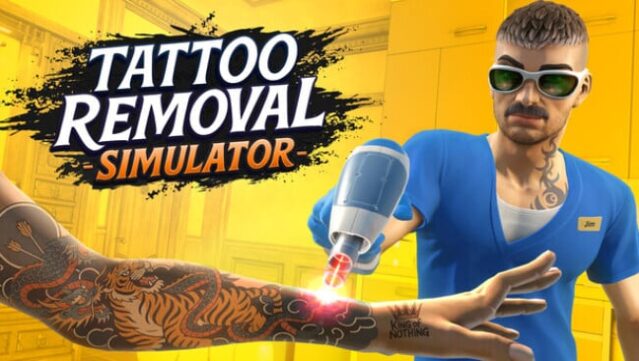
About Tattoo Removal Simulator
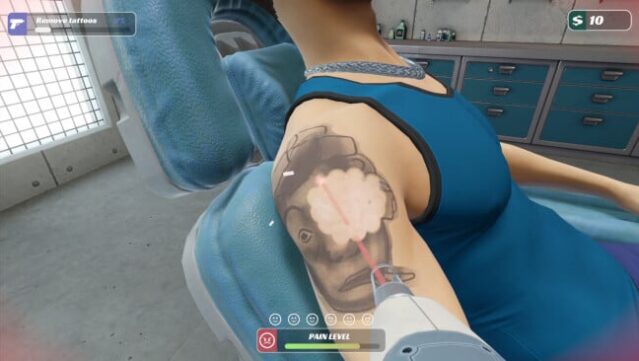
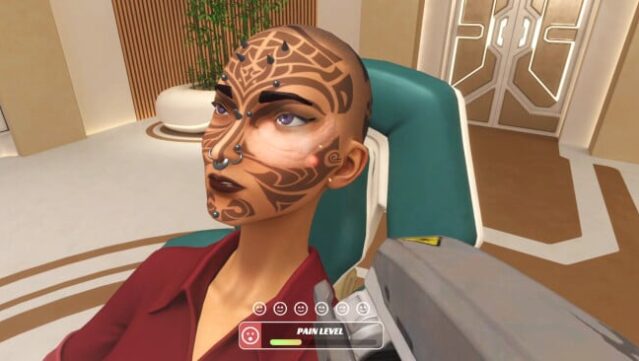
Step into the intriguing world of ink and emotions where you play as a tattoo removal specialist in a cozy studio nestled in the bustling city. This simulation game challenges you to delicately erase tattoos, each representing a unique story from your clients' lives. The core gameplay revolves around precision and patience, as you work methodically to fade ink while maintaining client trust.
You can choose from several modes: in Career Mode, you manage your own studio, upgrade your equipment, and balance quality service with customer satisfaction. Casual Mode allows you to enjoy the relaxing process of tattoo removal without any pressure, while Story Mode dives into the rich narratives of your clients, adding depth to each session. The full VR support enhances the immersive experience, making every interaction feel remarkably real.
Perfect for fans of simulation games and those looking for a unique twist on life’s stories!
Instructions
- Click the Download button below and you will be redirected to UploadHaven.
- Wait 5 seconds and click on the blue ‘download now’ button. We recommend using a download manager for faster download speeds. (You can use FDM which is free here, or any other download manager).
- Once the game is finished downloading, right click the .zip file and click on “Extract to Tattoo Removal Simulator.zip” (To do this you will need 7-Zip, which you can get here, or you can use the built in windows extractor).
- Double click inside the Tattoo Removal Simulator folder and run the setup application. Accept the EULA, and install the game. Then, launch the game through the desktop shortcut.
Tattoo Removal Simulator Free Download
Tattoo Removal Simulator
Size: 3.07 GB
Reminder: This download is completely free and won't cost you a penny. However, If you love the game and want to purchase it, you can support the developers by doing so here.
System Requirements
- OS: Windows 10 (64-bit) or newer
- Processor: Intel Core i5-2400, AMD FX-6300
- Graphics: GeForce GTX 760, AMD R7-260X
- DirectX: Version 11
- Storage: 10 GB available space
- VR Support: OpenXR – Meta Quest 2, Meta Quest 3
Screenshots