About Sword Maker
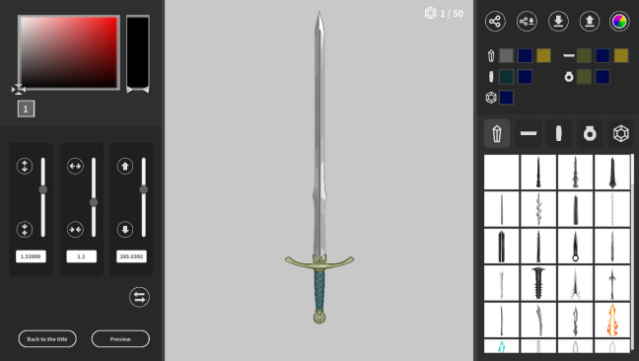
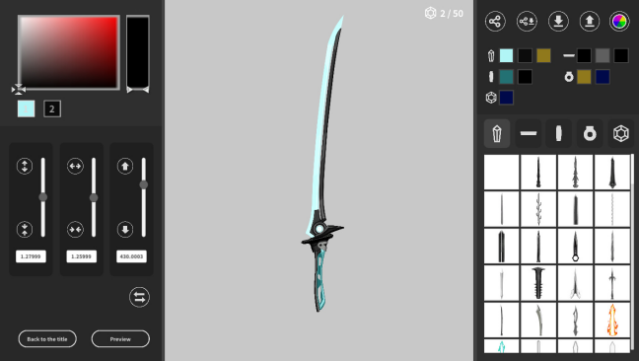
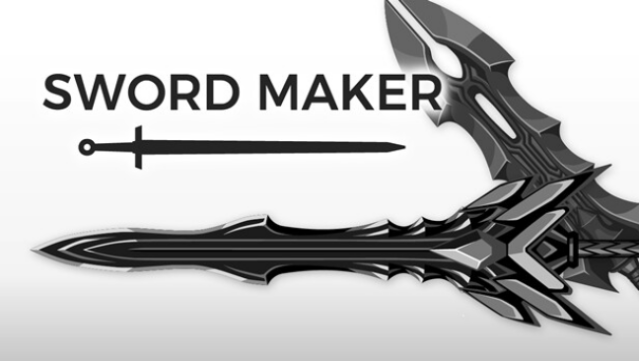
Imagine wielding a sword that you've custom-designed from scratch, straight out of a fantasy epic. This creative weapon design tool allows you to craft your own unique swords by piecing together various components, from blades to handles and decorative elements. Set in a vibrant fantasy realm, the app provides an intuitive interface that guides you through the design process step by step. You can select different blades, tsubas, handles, and accents to create a weapon that reflects your vision. Once you’re satisfied with your masterpiece, share it with a global community or explore designs from other users to inspire your next creation. This is perfect for fans of game design and weapon customization who want to bring their imaginative sword concepts to life.
Instructions
- Click the Download button below and you will be redirected to UploadHaven.
- Wait 5 seconds and click on the blue ‘download now’ button. We recommend using a download manager for faster download speeds. (You can use FDM which is free here, or any other download manager).
- Once the game is finished downloading, right click the .zip file and click on “Extract to Sword Maker.zip” (To do this you will need 7-Zip, which you can get here, or you can use the built in windows extractor).
- Double click inside the Sword Maker folder and run the setup application. Accept the EULA, and install the game. Then, launch the game through the desktop shortcut.
Sword Maker Free Download
Reminder: This download is completely free and won't cost you a penny. However, If you love the game and want to purchase it, you can support the developers by doing so here.
System Requirements
- OS: Windows 10 (64bit)
- Processor: 1.5Ghz or better (x86-64)
- Memory: 4 GB RAM
- Graphics: GTX1050
- Network: Broadband Internet connection
- Storage: 2 GB available space
- Sound Card: any
Screenshots