About Surgeon Simulator: Experience Reality
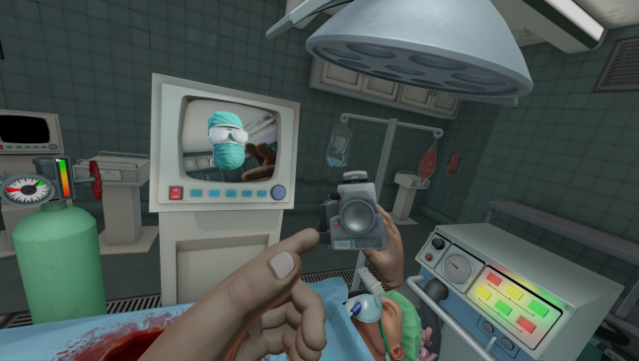
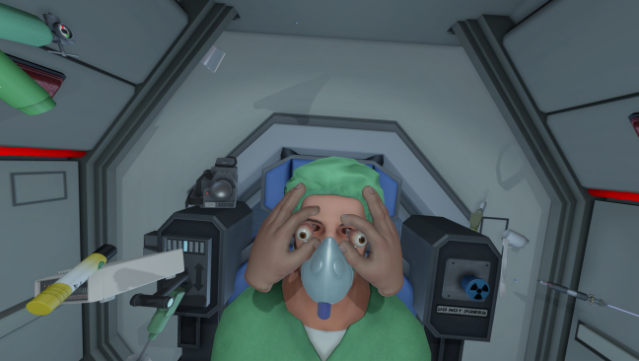
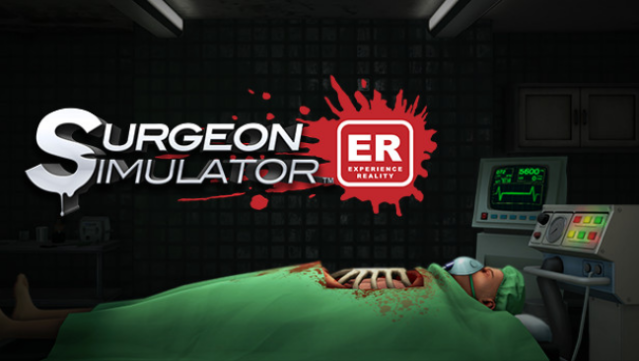
Dive into the chaotic world of surgery like never before with this VR experience that blends dark humor and medical mayhem. This simulation game invites players to don the virtual gloves of a surgeon, tackling a range of bizarre and often grotesque operations, from the operating room to an ambulance and even outer space. The core gameplay revolves around performing surgeries with an array of tools, all while navigating the challenges of VR controls and the unpredictable nature of your patient, Bob. Standout features include brain surgery conducted in pitch darkness, a hand-held camera for capturing your questionable surgical skills, and new achievements to unlock. If you enjoy absurd humor and a dash of medical madness, this game is a perfect fit for you.
Instructions
- Click the Download button below and you will be redirected to UploadHaven.
- Wait 5 seconds and click on the blue ‘download now’ button. We recommend using a download manager for faster download speeds. (You can use FDM which is free here, or any other download manager).
- Once the game is finished downloading, right click the .zip file and click on “Extract to Surgeon Simulator: Experience Reality.zip” (To do this you will need 7-Zip, which you can get here, or you can use the built in windows extractor).
- Double click inside the Surgeon Simulator: Experience Reality folder and run the setup application. Accept the EULA, and install the game. Then, launch the game through the desktop shortcut.
Surgeon Simulator: Experience Reality Free Download
Surgeon Simulator: Experience Reality
Size: 609.01 MB
Reminder: This download is completely free and won't cost you a penny. However, If you love the game and want to purchase it, you can support the developers by doing so here.
System Requirements
- OS: 7,8,10
- Processor: Intel i5-4590 equivalent or greater
- Memory: 8 GB RAM
- Graphics: NVIDIA GTX 970 / ATI Radeon 290 equivalent or greater
- Storage: 3 GB available space
- Sound Card: Yes
- Additional Notes: Try turning off some effects in the Advanced graphical settings to improve framerate
Screenshots