About Starfield
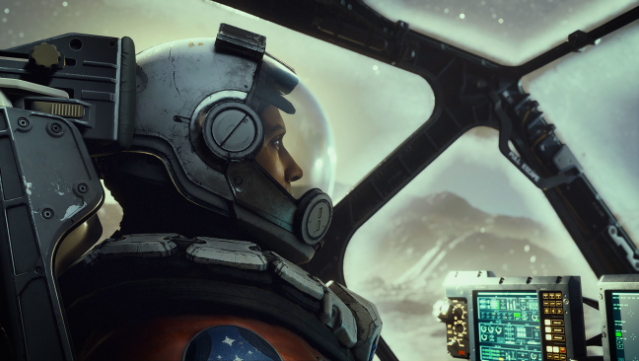
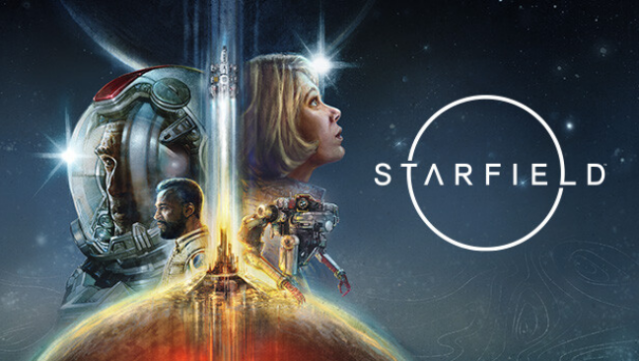
This game takes players on an epic interstellar journey through a vast universe packed with endless exploration and character-driven storytelling. Set in the year 2330, it immerses you in a richly detailed sci-fi world where humanity has expanded beyond its solar system, and you can create and customize your own character to suit your playstyle. As a member of Constellation, the last group of space explorers, you set out to uncover rare artifacts across more than 1,000 planets, each offering unique adventures and challenges.
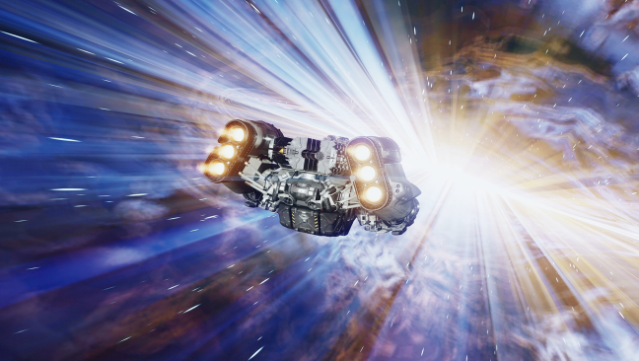
Pilot your personalized spaceship, engage in thrilling space combat, and engage with diverse factions and memorable characters. The crafting system allows you to gather resources, build outposts, and unlock advanced tech. With so much freedom to shape your destiny, this game caters to fans of open-world RPGs and space exploration. If you enjoyed titles like Skyrim or Fallout, you’ll find a lot to love here.
Instructions
- Click the Download button below and you will be redirected to UploadHaven.
- Wait 5 seconds and click on the blue ‘download now’ button. We recommend using a download manager for faster download speeds. (You can use FDM which is free here, or any other download manager).
- Once the game is finished downloading, right click the .zip file and click on “Extract to Starfield v1.16.244.0 & ALL DLC.zip” (To do this you will need 7-Zip, which you can get here, or you can use the built in windows extractor).
- Double click inside the Starfield v1.16.244.0 & ALL DLC folder and run the setup application. Accept the EULA, and install the game. Then, launch the game through the desktop shortcut.
Starfield Free Download (v1.16.244.0 & ALL DLC)
Starfield (v1.16.244.0 & ALL DLC)
Size: 134.73 GB
Reminder: This download is completely free and won't cost you a penny. However, If you love the game and want to purchase it, you can support the developers by doing so here.
System Requirements
- OS: Windows 10 version 21H1 (10.0.19043)
- Processor: AMD Ryzen 5 2600X, Intel Core i7-6800K
- Memory: 16 GB RAM
- Graphics: AMD Radeon RX 5700, NVIDIA GeForce 1070 Ti
- DirectX: Version 12
- Storage: 125 GB available space
- Additional Notes: SSD Required
Screenshots