About Starfall Odyssey
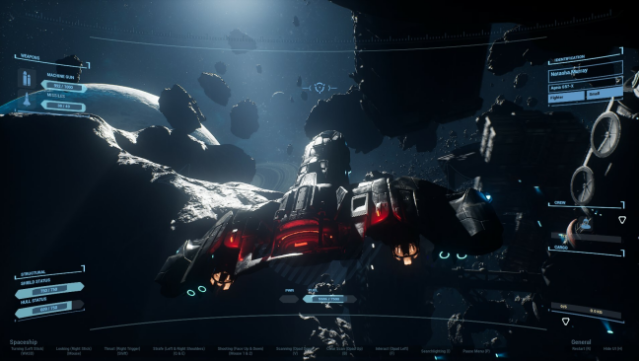
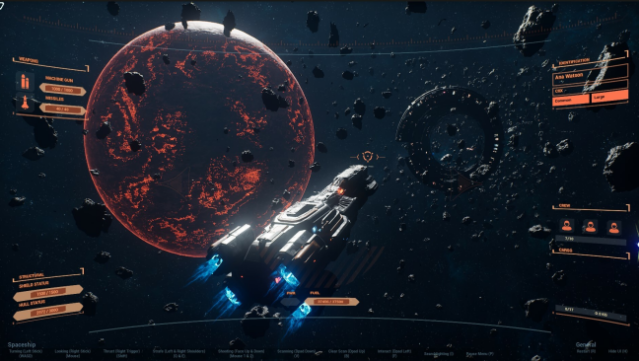
Dive into an exhilarating cosmic journey where you become a daring space explorer tasked with uncovering the universe's hidden secrets while battling pirates. This action-adventure game invites players to traverse breathtaking celestial landscapes, tackling exciting challenges and engaging in intense space combat against hostile vessels. The rich narrative draws you deeper into the mysteries of the cosmos, enhancing the thrill of exploration. With its blend of exploration, combat, and storytelling, this game offers a captivating experience that keeps you on your toes. Perfect for fans of space adventures and action-packed gameplay, this title is a stellar choice for those looking to embark on an unforgettable odyssey among the stars.
Instructions
- Click the Download button below and you will be redirected to UploadHaven.
- Wait 5 seconds and click on the blue ‘download now’ button. We recommend using a download manager for faster download speeds. (You can use FDM which is free here, or any other download manager).
- Once the game is finished downloading, right click the .zip file and click on “Extract to Starfall Odyssey.zip” (To do this you will need 7-Zip, which you can get here, or you can use the built in windows extractor).
- Double click inside the Starfall Odyssey folder and run the setup application. Accept the EULA, and install the game. Then, launch the game through the desktop shortcut.
Starfall Odyssey Free Download
Starfall Odyssey
Size: 1.07 GB
Reminder: This download is completely free and won't cost you a penny. However, If you love the game and want to purchase it, you can support the developers by doing so here.
System Requirements
- OS: Windows 10
- Processor: Intel Core i5-4690K or AMD FX-8350
- Memory: 12 GB RAM
- Graphics: Nvidia GeForce GTX 960, 4 GB or AMD Radeon R9 380, 4 GB
- Storage: 2 GB available space
Screenshots