About Smoots Golf
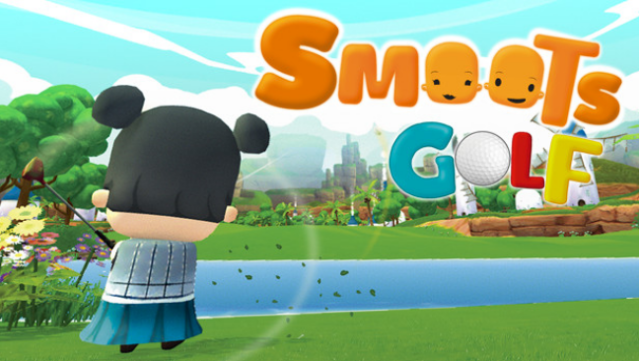
Imagine hitting the greens in a vibrant, light-hearted golfing experience that’s perfect for players of all ages. This game combines the charm of golf with the thrill of competition, featuring both traditional golf and engaging minigolf challenges. You can explore five diverse courses, each boasting a total of 45 unique holes in golf mode and an additional 20 in minigolf.
Whether you prefer to compete against friends in Tournaments and Exhibition mode, or sharpen your skills in Training mode, there’s always something to keep you entertained. The multiplayer aspect ensures that each round is filled with excitement and friendly rivalry. If you enjoy casual sports games with a fun twist, this one's definitely worth checking out!
Instructions
- Click the Download button below and you will be redirected to UploadHaven.
- Wait 5 seconds and click on the blue ‘download now’ button. We recommend using a download manager for faster download speeds. (You can use FDM which is free here, or any other download manager).
- Once the game is finished downloading, right click the .zip file and click on “Extract to Smoots Golf.zip” (To do this you will need 7-Zip, which you can get here, or you can use the built in windows extractor).
- Double click inside the Smoots Golf folder and run the setup application. Accept the EULA, and install the game. Then, launch the game through the desktop shortcut.
Smoots Golf Free Download
Reminder: This download is completely free and won't cost you a penny. However, If you love the game and want to purchase it, you can support the developers by doing so here.
System Requirements
- OS: Windows 10 (64 bit)
- Processor: Intel Core i3
- Memory: 750 MB RAM
- Graphics: Geforce 600 and above
- Storage: 1 GB available space
Screenshots