About SHUT IN
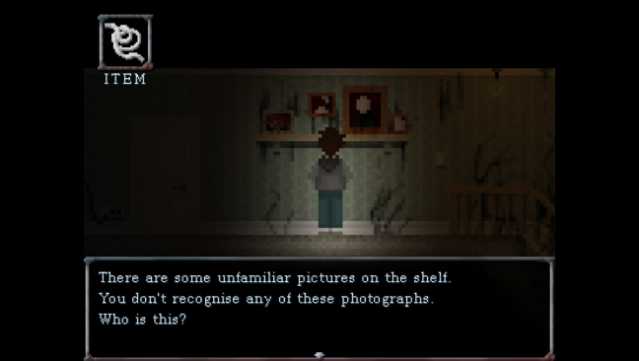
Dive into a surreal mix of dark comedy and psychological horror that challenges your will to escape both your home and your mind. This adventure game plunges you into the unsettling experience of isolation and depression, where mundane tasks like getting out of bed transform into treacherous escapades. Your once-familiar surroundings twist into a nightmarish labyrinth filled with bizarre puzzles and unnerving obstacles. With an unreliable narrator hurling sarcastic commentary and judgment, every step you take feels fraught with tension. Your instincts will be both your ally and your adversary, as curiosity might lead to discovery or doom. If you're ready for an experience that blends discomfort with dark humor, this game speaks to anyone who enjoys a unique narrative-driven journey.
Instructions
- Click the Download button below and you will be redirected to UploadHaven.
- Wait 5 seconds and click on the blue ‘download now’ button. We recommend using a download manager for faster download speeds. (You can use FDM which is free here, or any other download manager).
- Once the game is finished downloading, right click the .zip file and click on “Extract to SHUT IN v1.2.zip” (To do this you will need 7-Zip, which you can get here, or you can use the built in windows extractor).
- Double click inside the SHUT IN v1.2 folder and run the setup application. Accept the EULA, and install the game. Then, launch the game through the desktop shortcut.
SHUT IN Free Download (v1.2)
SHUT IN (v1.2)
Size: 139.21 MB
Reminder: This download is completely free and won't cost you a penny. However, If you love the game and want to purchase it, you can support the developers by doing so here.
System Requirements
- OS: Windows 7/8/8.1/10 (32bit/64bit)
- Processor: Intel Core2 Duo or better
- Memory: 2 GB RAM
- Graphics: DirectX 9/OpenGL 4.1 capable GPU or better, PixelShader v3.0
- DirectX: Version 9.0c
- Storage: 500 MB available space
Screenshots