About Service Area Simulator
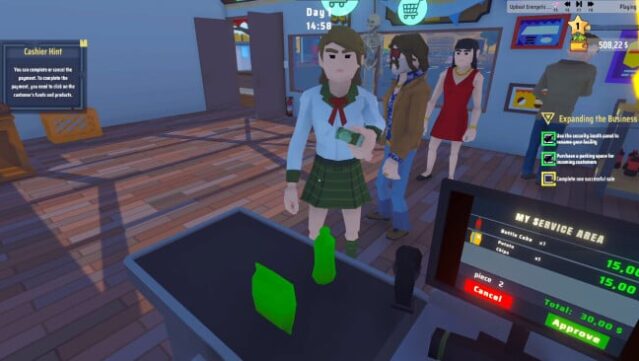
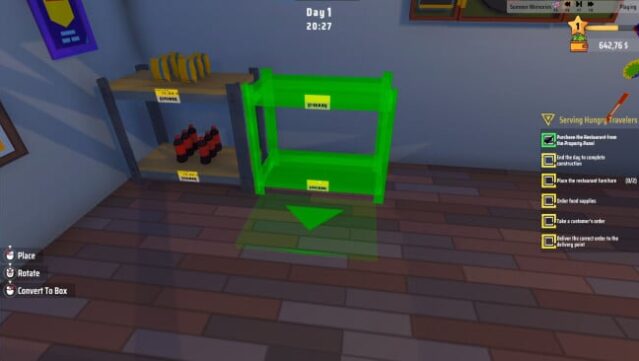
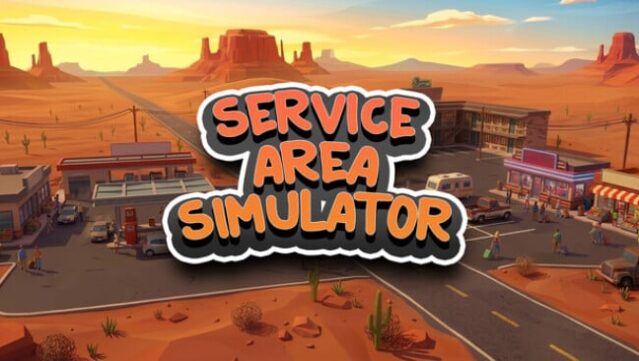
Imagine taking a rundown rest stop and transforming it into a buzzing service hub—this game lets you do just that. As a simulation experience, you dive into managing a store, restaurant, gas station, and motel, all under one roof. The gameplay revolves around making strategic choices that impact stock levels, customer satisfaction, and overall profitability. You'll start with bare shelves, selecting the right products to entice customers, while also overseeing gas station operations, from pump installation to adding car wash services. Speed and quality are essential in the restaurant and motel, where keeping patrons happy is your top priority. As your business grows, you can hire staff to handle tasks, allowing you to focus on expanding and refining your services. This game is perfect for fans of management sims who enjoy a challenge and love creating thriving businesses from the ground up.
Instructions
- Click the Download button below and you will be redirected to UploadHaven.
- Wait 5 seconds and click on the blue ‘download now’ button. We recommend using a download manager for faster download speeds. (You can use FDM which is free here, or any other download manager).
- Once the game is finished downloading, right click the .zip file and click on “Extract to Service Area Simulator v1.2.5.zip” (To do this you will need 7-Zip, which you can get here, or you can use the built in windows extractor).
- Double click inside the Service Area Simulator v1.2.5 folder and run the setup application. Accept the EULA, and install the game. Then, launch the game through the desktop shortcut.
Service Area Simulator Free Download (v1.2.5)
Service Area Simulator (v1.2.5)
Size: 797.36 MB
Reminder: This download is completely free and won't cost you a penny. However, If you love the game and want to purchase it, you can support the developers by doing so here.
System Requirements
- Requires a 64-bit processor and operating system
- OS: Windows (64-bit) 10
- Processor: i5 3550 / RYZEN 5 2500X
- Memory: 8 GB RAM
- Graphics: NVIDIA GTX 1050 / AMD R9 270X
- DirectX: Version 11
- Storage: 5 GB available space
Screenshots