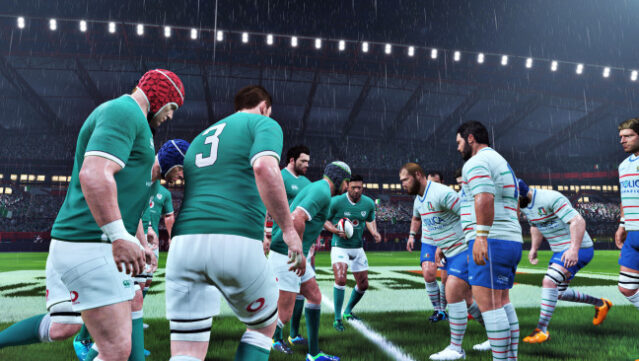
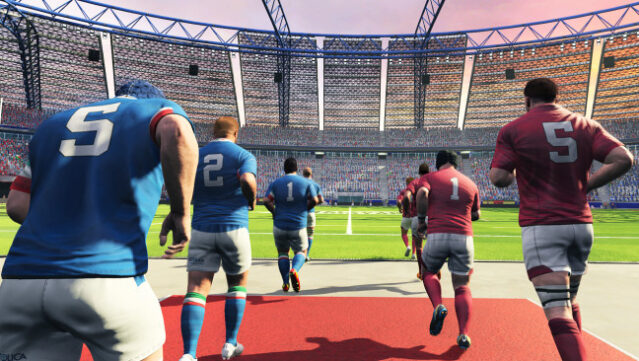
About Rugby 20
Dive into the intense world of rugby with a game that brings the thrill of matches right to your screen. This sports simulation lets you take control of top national teams and renowned leagues, allowing for both single-player and multiplayer experiences, whether locally or online. The game stands out with its impressive tactical depth, letting you fine-tune your strategies, manage line-outs, and execute set plays to outsmart your opponents. With the ability to identify gaps in defense and adapt your game plan on the fly, you’ll feel the pulse of real rugby gameplay. Perfect for fans of sports simulations and rugby enthusiasts alike, this title offers a detailed and immersive experience that captures the essence of the sport.

Instructions
- Click the Download button below and you will be redirected to UploadHaven.
- Wait 5 seconds and click on the blue ‘download now’ button. We recommend using a download manager for faster download speeds. (You can use FDM which is free here, or any other download manager).
- Once the game is finished downloading, right click the .zip file and click on “Extract to Rugby 20.zip” (To do this you will need 7-Zip, which you can get here, or you can use the built in windows extractor).
- Double click inside the Rugby 20 folder and run the setup application. Accept the EULA, and install the game. Then, launch the game through the desktop shortcut.
Rugby 20 Free Download
Reminder: This download is completely free and won't cost you a penny. However, If you love the game and want to purchase it, you can support the developers by doing so here.
System Requirements
- Requires a 64-bit processor and operating system
- OS: Windows 7 64-bit
- Processor: Intel Core i5-750 or AMD Phenom II X4 965
- Memory: 4 GB RAM
- Graphics: NVIDIA GeForce GTX 660 or AMD Radeon HD 7790
- DirectX: Version 11
- Storage: 15 GB available space
Screenshots