About Rogue Blaster
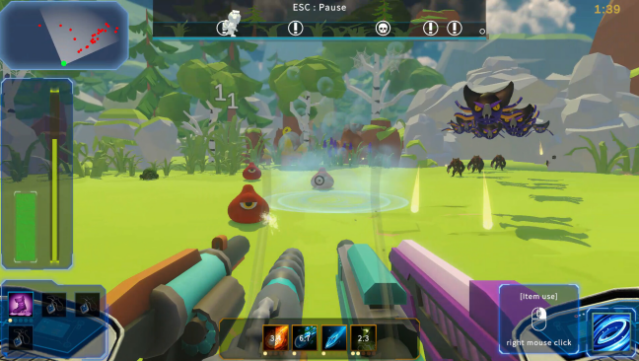
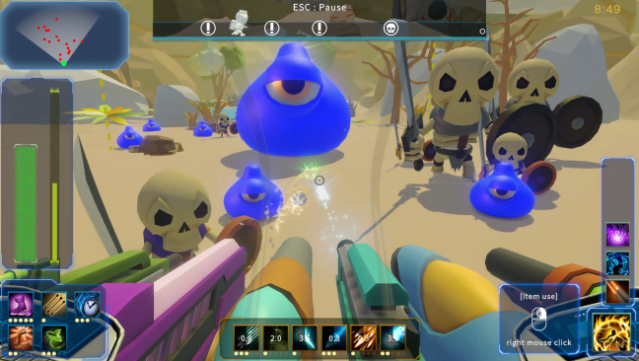
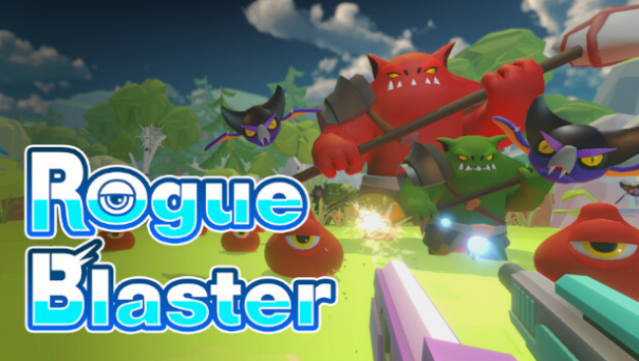
In this unique twist on the FPS genre, you find yourself on a monster-infested planet where survival hinges on your shooting skills and strategic equipment use. As you battle endless waves of enemies, you wield up to six different guns simultaneously, all while customizing their upgrades for maximum impact. The controls are refreshingly simple, focusing solely on shooting and item usage, which lets you dive right into the action without the usual complexities of movement or weapon swapping.
The game features a diverse array of enemies, pushing you to learn their patterns and adapt your strategy accordingly. With each run, you have the chance to unlock new skills and enhance your defensive setups, creating a fresh experience every time you play. Perfect for fans of rogue-lite shooters looking for a streamlined yet engaging challenge, this game guarantees plenty of replayability as you experiment with different loadouts and tactics.
Instructions
- Click the Download button below and you will be redirected to UploadHaven.
- Wait 5 seconds and click on the blue ‘download now’ button. We recommend using a download manager for faster download speeds. (You can use FDM which is free here, or any other download manager).
- Once the game is finished downloading, right click the .zip file and click on “Extract to Rogue Blaster.zip” (To do this you will need 7-Zip, which you can get here, or you can use the built in windows extractor).
- Double click inside the Rogue Blaster folder and run the setup application. Accept the EULA, and install the game. Then, launch the game through the desktop shortcut.
Rogue Blaster Free Download
Reminder: This download is completely free and won't cost you a penny. However, If you love the game and want to purchase it, you can support the developers by doing so here.
System Requirements
- Requires a 64-bit processor and operating system
- OS: windows10(64-Bit)
- Processor: Intel Core i5
- Memory: 4 GB RAM
- Graphics: NVIDIA GTX 960
- DirectX: Version 11
- Storage: 1 GB available space
Screenshots