About Raioh
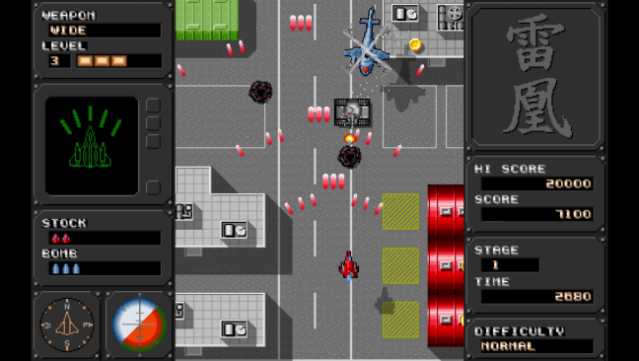
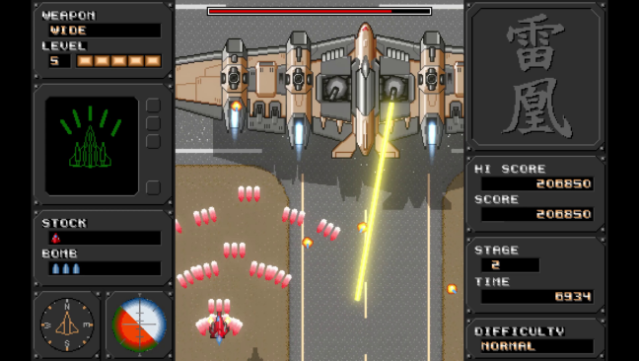
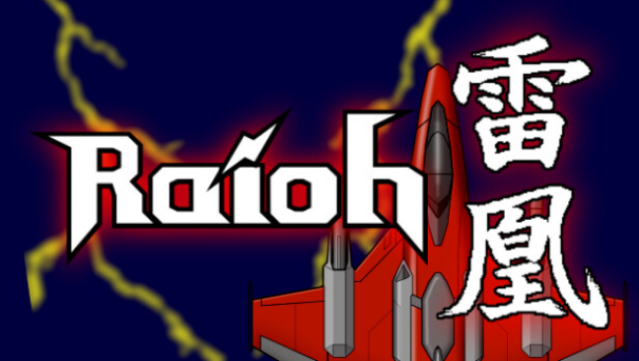
Dive into a classic arcade experience with this retro-style vertical scrolling shoot 'em up that brings back the thrills of old-school gaming. Set against a vibrant backdrop, players maneuver through waves of enemies using three distinct types of main shots and powerful bombs that can evolve up to five levels with item pickups. The game offers adjustable difficulty levels—easy, normal, and hard—catering to both newcomers and seasoned players alike. One standout feature is the auto-bomb option, which, while handy, requires players to remain alert as it struggles against rapid-fire enemy attacks. With its nostalgic charm and engaging gameplay, this title is perfect for fans of classic shmups and those looking to relive the excitement of arcade shootouts.
Instructions
- Click the Download button below and you will be redirected to UploadHaven.
- Wait 5 seconds and click on the blue ‘download now’ button. We recommend using a download manager for faster download speeds. (You can use FDM which is free here, or any other download manager).
- Once the game is finished downloading, right click the .zip file and click on “Extract to Raioh v1.03.zip” (To do this you will need 7-Zip, which you can get here, or you can use the built in windows extractor).
- Double click inside the Raioh v1.03 folder and run the setup application. Accept the EULA, and install the game. Then, launch the game through the desktop shortcut.
Raioh Free Download (v1.03)
Reminder: This download is completely free and won't cost you a penny. However, If you love the game and want to purchase it, you can support the developers by doing so here.
System Requirements
- Requires a 64-bit processor and operating system
- OS: Windows 10, 11
- Processor: Interl Core i5
- Memory: 2 GB RAM
- Graphics: 1280 x 720
- Storage: 300 MB available space
Screenshots