About Primitier
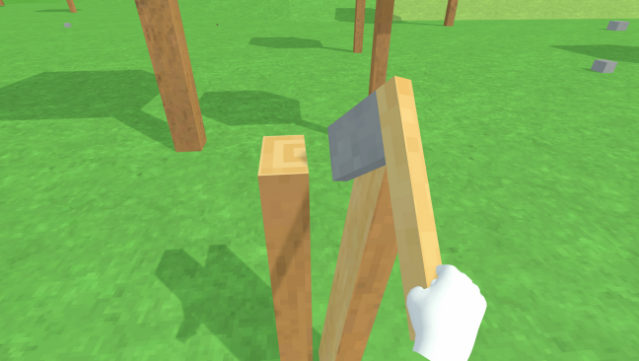
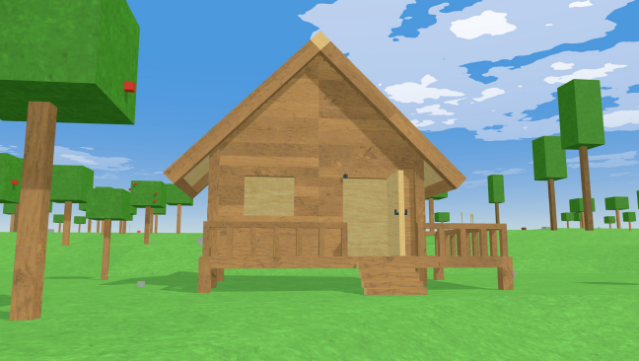
Dive into a truly immersive experience with this unique VR sandbox game that lets you craft your own tools and machinery in a physics-driven world. Set in a vast, procedurally generated environment, gameplay revolves around gathering resources and building everything from simple axes to complex machines like carts and airplanes. The innovative crafting system allows you to combine objects realistically; for instance, cutting a tree at the impact point with a stone and using the resulting wood to create a functional tool.
Every item reacts to physics, so the design of your creations impacts their performance. With enemies lurking in the wilderness, crafting weapons becomes essential for survival. Plus, you can customize your avatar using VRM files, although not all formats are supported. This game is perfect for players who love creativity and experimentation in their virtual adventures.
Instructions
- Click the Download button below and you will be redirected to UploadHaven.
- Wait 5 seconds and click on the blue ‘download now’ button. We recommend using a download manager for faster download speeds. (You can use FDM which is free here, or any other download manager).
- Once the game is finished downloading, right click the .zip file and click on “Extract to Primitier v2.0.2.zip” (To do this you will need 7-Zip, which you can get here, or you can use the built in windows extractor).
- Double click inside the Primitier v2.0.2 folder and run the setup application. Accept the EULA, and install the game. Then, launch the game through the desktop shortcut.
Primitier Free Download (v2.0.2)
Primitier (v2.0.2)
Size: 180.03 MB
Reminder: This download is completely free and won't cost you a penny. However, If you love the game and want to purchase it, you can support the developers by doing so here.
System Requirements
- Requires a 64-bit processor and operating system
- OS: Windows10 64bit
- Processor: Intel Core i5-7500
- Memory: 8 GB RAM
- Graphics: NVIDIA GeForce GTX 1060
- Storage: 1 GB available space
- VR Support: SteamVR
Screenshots