About Potion Shop Simulator
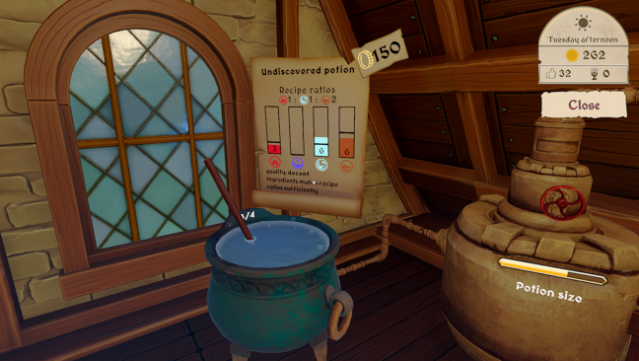
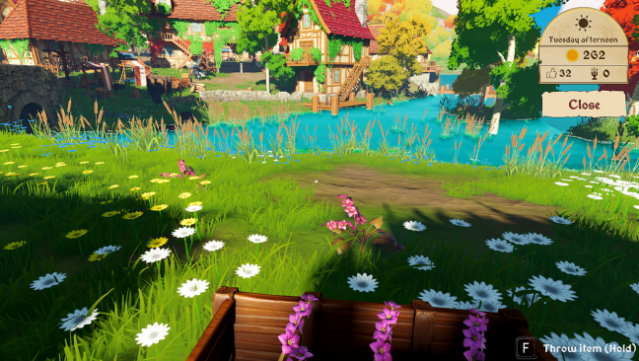
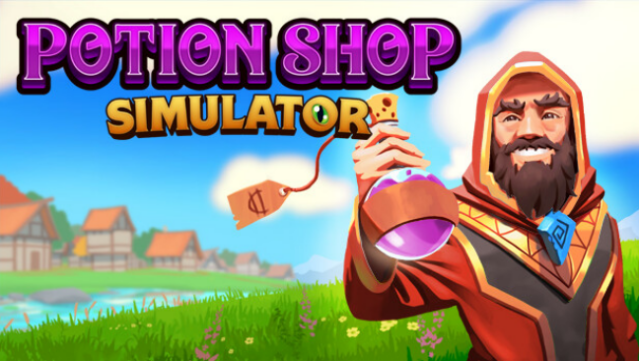
Dive into a whimsical realm of alchemy where crafting potions is both a delightful challenge and a strategic endeavor. Set in a cozy medieval village, you step into the role of a shopkeeper who has just graduated from Wizard U and is now tasked with running a potion shop. By combining the four classic elements—Fire, Water, Air, and Earth—you create various potions to serve a colorful cast of quirky characters, each with their unique needs.
The gameplay revolves around mastering potion brewing and effective shop management, allowing you to haggle for better prices and invest in shop upgrades that enhance productivity. You can also team up with friends in cooperative mode, tackling daily tasks together, from gardening to brewing. The village is dynamic, with changing events, market trends, and side quests that keep you engaged.
This game is perfect for fans of simulation and crafting genres who enjoy a bit of cooperative fun in a charming fantasy setting.
Instructions
- Click the Download button below and you will be redirected to UploadHaven.
- Wait 5 seconds and click on the blue ‘download now’ button. We recommend using a download manager for faster download speeds. (You can use FDM which is free here, or any other download manager).
- Once the game is finished downloading, right click the .zip file and click on “Extract to Potion Shop Simulator.zip” (To do this you will need 7-Zip, which you can get here, or you can use the built in windows extractor).
- Double click inside the Potion Shop Simulator folder and run the setup application. Accept the EULA, and install the game. Then, launch the game through the desktop shortcut.
Potion Shop Simulator Free Download
Potion Shop Simulator
Size: 1.64 GB
Reminder: This download is completely free and won't cost you a penny. However, If you love the game and want to purchase it, you can support the developers by doing so here.
System Requirements
- Requires a 64-bit processor and operating system
- OS *: Windows 8.1, Windows 10, Windows 11
- Processor: Intel Core I5 6600 @ 3.3GHz
- Memory: 4 GB RAM
- Graphics: Nvidia GeForce GTX 960
- DirectX: Version 11
- Storage: 2 GB available space
Screenshots