About PC Building Simulator
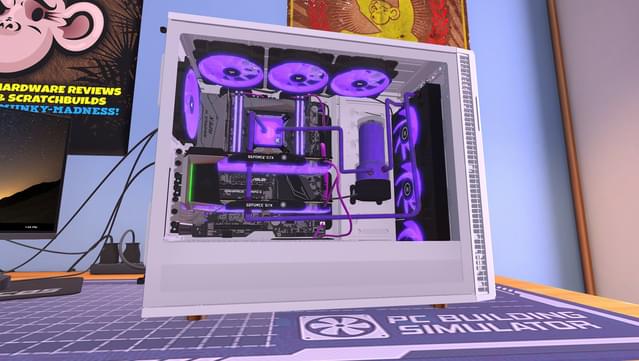
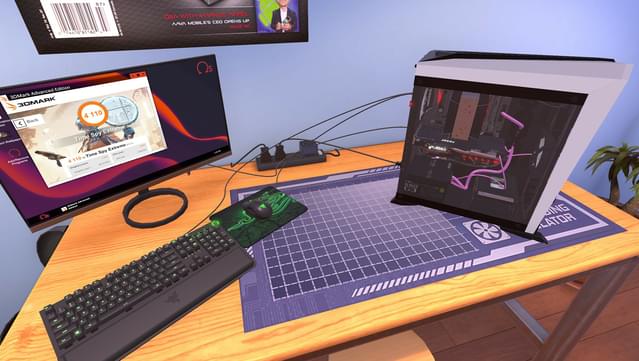
Dive into the world of PC construction where you can transform your passion for technology into a thriving business. This simulation genre game places you in the role of a computer builder, allowing you to diagnose issues, perform repairs, and create custom rigs that any tech enthusiast would admire. The gameplay revolves around sourcing real-world components from a vast marketplace, enabling you to assemble everything from basic setups to high-end gaming machines. Notable features include realistic benchmarks using tools like 3DMark and an engaging progression system that keeps your skills sharp. Perfect for fans of building and tinkering, this game is a must-try for anyone dreaming of their ultimate gaming rig.
Instructions
- Click the Download button below and you will be redirected to UploadHaven.
- Wait 5 seconds and click on the blue ‘download now’ button. We recommend using a download manager for faster download speeds. (You can use FDM which is free here, or any other download manager).
- Once the game is finished downloading, right click the .zip file and click on “Extract to PC Building Simulator v1.10.5.zip” (To do this you will need 7-Zip, which you can get here, or you can use the built in windows extractor).
- Double click inside the PC Building Simulator v1.10.5 folder and run the setup application. Accept the EULA, and install the game. Then, launch the game through the desktop shortcut.
PC Building Simulator Free Download (v1.10.5)
PC Building Simulator (v1.10.5)
Size: 10.19 GB
Reminder: This download is completely free and won't cost you a penny. However, If you love the game and want to purchase it, you can support the developers by doing so here.
System Requirements
- Windows 7 (64bit) or higher
- Intel Core i5-2500K or AMD Athlon X4 740 (or equivalent)
- 4 GB RAM
- GeForce GTX 660 (2048 MB) or Radeon R9 285 (2048 MB) – Integrated GPUs may work but are not supported.
- Version 9.0c
- 7 GB available space
- DirectX compatible
Screenshots