About Paradiso Guardian
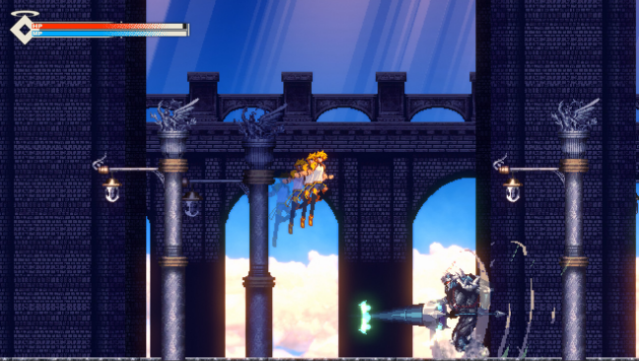
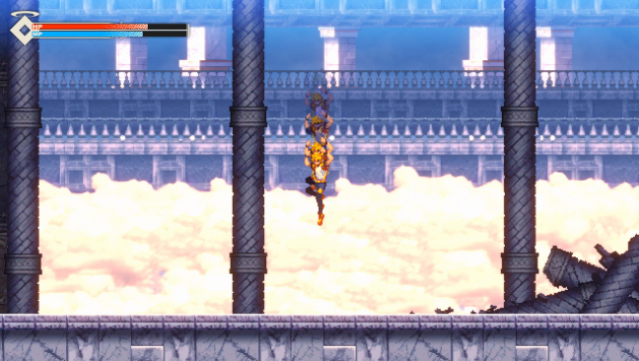
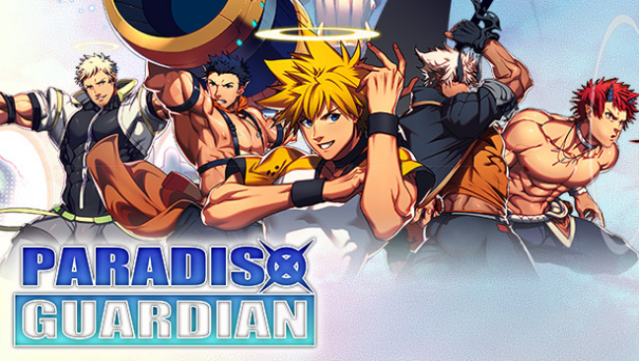
Dive into a captivating world where exploration meets action-packed combat in this Metroidvania-style ARPG. You step into the shoes of Lenga Valentine, a battle angel on a quest to reclaim a floating castle from mysterious invaders. As you navigate through intricately designed environments, you'll face a variety of foes and make allies along the way, each contributing to your journey to uncover the castle's secrets.
The game features tight and responsive controls, ensuring that every battle feels satisfying and engaging. With its beautifully crafted 2D pixel art that pays homage to the 16-bit era, players are treated to a nostalgic aesthetic. You'll also collect diverse food, equipment, and relics, enhancing Lenga’s abilities and unlocking new areas within the castle.
This game is perfect for fans of classic Metroidvania titles looking for a fresh twist on exploration and combat.
Instructions
- Click the Download button below and you will be redirected to UploadHaven.
- Wait 5 seconds and click on the blue ‘download now’ button. We recommend using a download manager for faster download speeds. (You can use FDM which is free here, or any other download manager).
- Once the game is finished downloading, right click the .zip file and click on “Extract to Paradiso Guardian v1.0.42.zip” (To do this you will need 7-Zip, which you can get here, or you can use the built in windows extractor).
- Double click inside the Paradiso Guardian v1.0.42 folder and run the setup application. Accept the EULA, and install the game. Then, launch the game through the desktop shortcut.
Paradiso Guardian Free Download (v1.0.42)
Paradiso Guardian (v1.0.42)
Size: 922.36 MB
Reminder: This download is completely free and won't cost you a penny. However, If you love the game and want to purchase it, you can support the developers by doing so here.
System Requirements
- OS: Windows 7, 8.1, 10
- Processor: 2Ghz or faster processer
- Memory: 2 GB RAM
- Graphics: 512MB VRAM (NVIDIA GeForce)
- Storage: 2 GB available space
Screenshots