About Ninki Seiyuu: How To Make A Pop Voice Actress
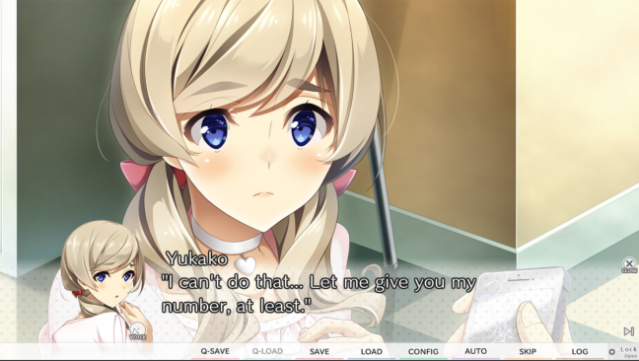
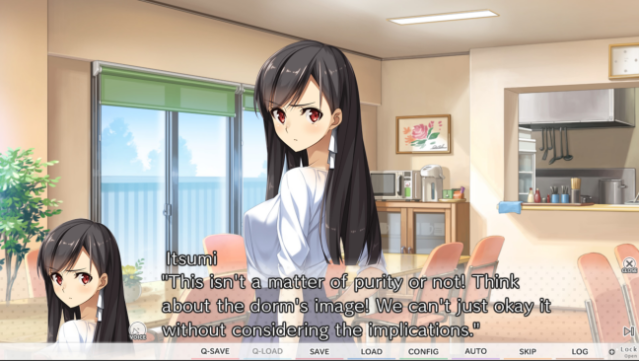
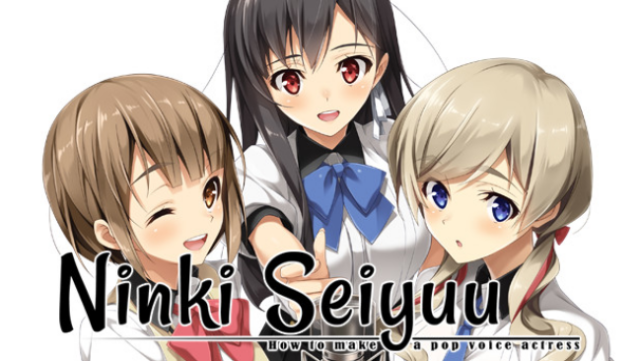
Immerse yourself in the colorful world of voice acting with this engaging love comedy that offers a unique perspective on the lives of voice actresses, their managers, and sound engineers. This visual novel takes players through a narrative filled with humor and romance, offering over 20 hours of story-driven gameplay. With two distinct heroine routes to explore, players can experience different outcomes based on their choices. The game features fully voiced performances by experienced Japanese voice actors, enriching the storytelling experience. It also provides a mostly accurate glimpse into the voice acting industry, making it enjoyable for those curious about the behind-the-scenes work of creating pop culture. Perfect for fans of visual novels and anyone intrigued by the voice acting world.
Instructions
- Click the Download button below and you will be redirected to UploadHaven.
- Wait 5 seconds and click on the blue ‘download now’ button. We recommend using a download manager for faster download speeds. (You can use FDM which is free here, or any other download manager).
- Once the game is finished downloading, right click the .zip file and click on “Extract to Ninki Seiyuu: How To Make A Pop Voice Actress.zip” (To do this you will need 7-Zip, which you can get here, or you can use the built in windows extractor).
- Double click inside the Ninki Seiyuu: How To Make A Pop Voice Actress folder and run the setup application. Accept the EULA, and install the game. Then, launch the game through the desktop shortcut.
Ninki Seiyuu: How To Make A Pop Voice Actress Free Download
Ninki Seiyuu: How To Make A Pop Voice Actress
Size: 1.99 GB
Reminder: This download is completely free and won't cost you a penny. However, If you love the game and want to purchase it, you can support the developers by doing so here.
System Requirements
- OS *: Windows Vista/7/8/10
- Processor: Pentium3 1.0GHz
- Memory: 1 GB RAM
- Graphics: 1280×720 dpi support
- Storage: 2 GB available space
Screenshots