About Minecraft Legends
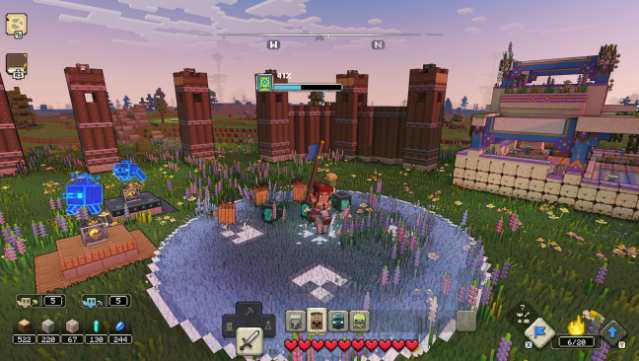
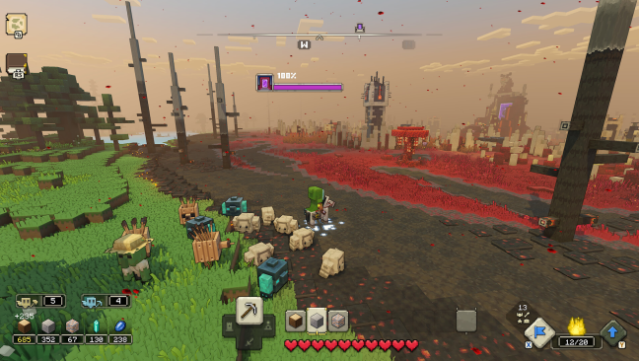
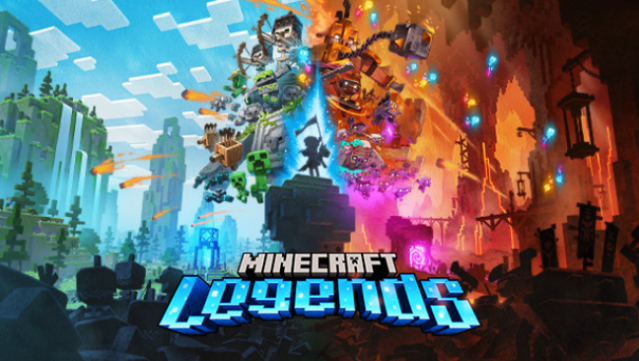
Step into a vibrant new chapter of the Minecraft universe where strategy meets adventure in a unique blend of action and exploration. This game combines elements of real-time strategy and action in a lush, ever-changing world filled with resources and familiar faces. Players recruit allies from the Minecraft lore, forging alliances with both new characters and classic mobs to fend off aggressive piglin invaders. The gameplay revolves around gathering resources, leading troops in thrilling battles, and defending your village while launching attacks on enemy settlements. With both cooperative and competitive multiplayer options, it’s perfect for gamers who thrive on teamwork and tactical warfare. If you’re a fan of strategy games with a creative twist, this one’s definitely worth checking out.
Instructions
- Click the Download button below and you will be redirected to UploadHaven.
- Wait 5 seconds and click on the blue ‘download now’ button. We recommend using a download manager for faster download speeds. (You can use FDM which is free here, or any other download manager).
- Once the game is finished downloading, right click the .zip file and click on “Extract to Minecraft Legends v2023.08.03.zip” (To do this you will need 7-Zip, which you can get here, or you can use the built in windows extractor).
- Double click inside the Minecraft Legends v2023.08.03 folder and run the setup application. Accept the EULA, and install the game. Then, launch the game through the desktop shortcut.
Minecraft Legends Free Download (v2023.08.03)
Minecraft Legends (v2023.08.03)
Size: 7.26 GB
Reminder: This download is completely free and won't cost you a penny. However, If you love the game and want to purchase it, you can support the developers by doing so here.
System Requirements
- Requires a 64-bit processor and operating system
- OS: Windows 10 (May 2020 Update or higher) or Windows 11
- Processor: Core i5 2.8GHz or equivalent
- Memory: 8 GB RAM
- Graphics: NVIDIA GeForce GTX 780 or AMD Radeon 285 or Intel HD 520 or equivalent DX12 GPU
- DirectX: Version 12
- Storage: 24 GB available space
- Additional Notes: Performance increases with higher-end systems. Not supported on Windows 10S.
Screenshots