About Medieval Arms
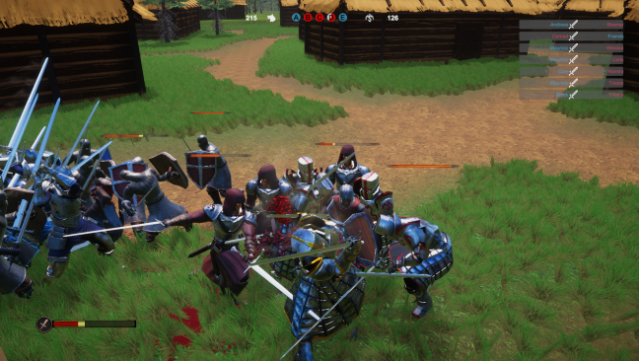
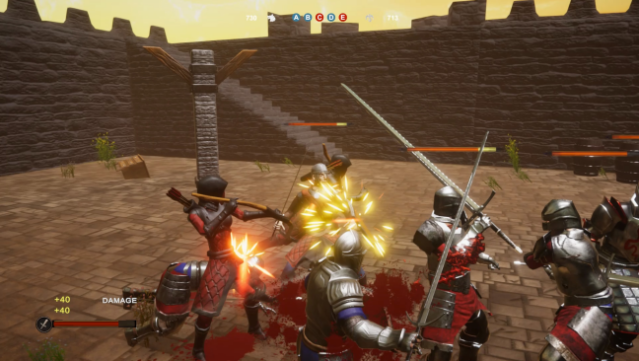
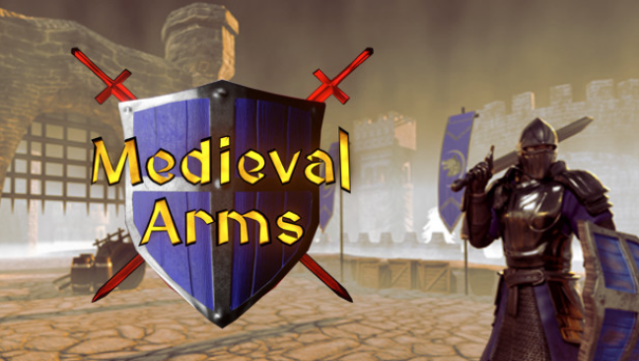
Dive into a thrilling medieval battlefield where strategy and combat come together in an immersive single-player experience. You take on the role of one of three distinct classes, each offering a unique playstyle as you face off against waves of NPC enemies across four diverse maps. The core gameplay loop revolves around eliminating foes and capturing key bases to secure victory, keeping the action fast-paced and engaging. With its focus on class variety and tactical objectives, the game invites you to adapt your approach and master the art of medieval warfare. Ideal for those who enjoy strategic combat and classic medieval themes, this title is sure to satisfy fans of action-packed battle scenarios.
Instructions
- Click the Download button below and you will be redirected to UploadHaven.
- Wait 5 seconds and click on the blue ‘download now’ button. We recommend using a download manager for faster download speeds. (You can use FDM which is free here, or any other download manager).
- Once the game is finished downloading, right click the .zip file and click on “Extract to Medieval Arms.zip” (To do this you will need 7-Zip, which you can get here, or you can use the built in windows extractor).
- Double click inside the Medieval Arms folder and run the setup application. Accept the EULA, and install the game. Then, launch the game through the desktop shortcut.
Medieval Arms Free Download
Reminder: This download is completely free and won't cost you a penny. However, If you love the game and want to purchase it, you can support the developers by doing so here.
System Requirements
- OS: Windows 7 32 Bit,Windows 7 64 Bit, Windows 10 32 Bit, Windows 10 64 Bit
- Processor: i5-2500k
- Memory: 2 GB RAM
- Graphics: 960 gtx
- Storage: 1 GB available space
- Sound Card: N/A
Screenshots