About Marblous
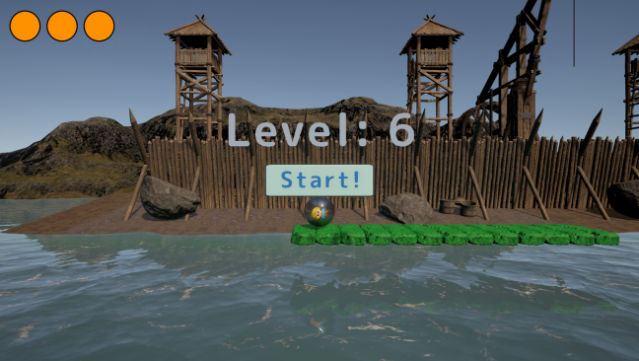
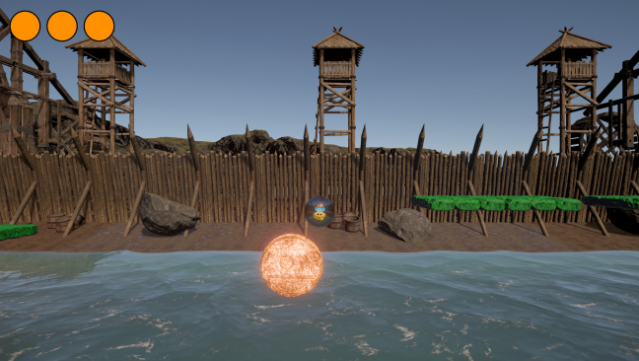
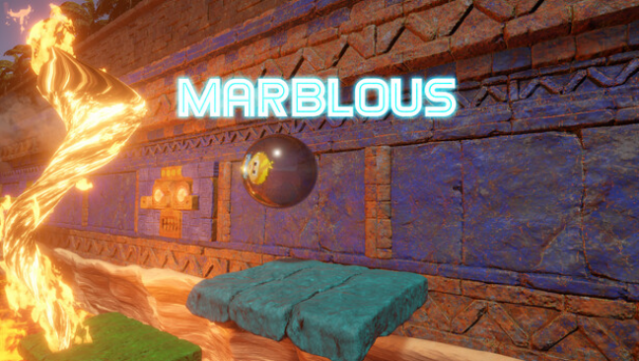
This game offers a thrilling blend of speed and skill as players guide a marble through a perilous world filled with flaming tornadoes and intricate platforming challenges. Set against vibrant backdrops like Viking ports and Mayan ruins, the game features procedurally generated levels that keep each playthrough fresh and exciting. The core gameplay revolves around rolling your marble to escape danger while tackling varying challenges, from quick courses to extensive, endless tracks. With physics-based mechanics that make mastering each stage both accessible and rewarding, players are sure to find themselves engrossed in the quest for the best times. Perfect for fans of fast-paced platformers who enjoy a mix of casual play and deep mastery.
Instructions
- Click the Download button below and you will be redirected to UploadHaven.
- Wait 5 seconds and click on the blue ‘download now’ button. We recommend using a download manager for faster download speeds. (You can use FDM which is free here, or any other download manager).
- Once the game is finished downloading, right click the .zip file and click on “Extract to Marblous v1.0.zip” (To do this you will need 7-Zip, which you can get here, or you can use the built in windows extractor).
- Double click inside the Marblous v1.0 folder and run the setup application. Accept the EULA, and install the game. Then, launch the game through the desktop shortcut.
Marblous Free Download (v1.0)
Marblous (v1.0)
Size: 571.39 MB
Reminder: This download is completely free and won't cost you a penny. However, If you love the game and want to purchase it, you can support the developers by doing so here.
System Requirements
- Requires a 64-bit processor and operating system
- OS: Windows 10
- Processor: intel 4000 or equivalent AMD
- Memory: 4 GB RAM
- Graphics: Very low end NVIDIA or AMD GPU, or even intel integrated GPU
- Storage: 1 GB available space
Screenshots