About Lumo
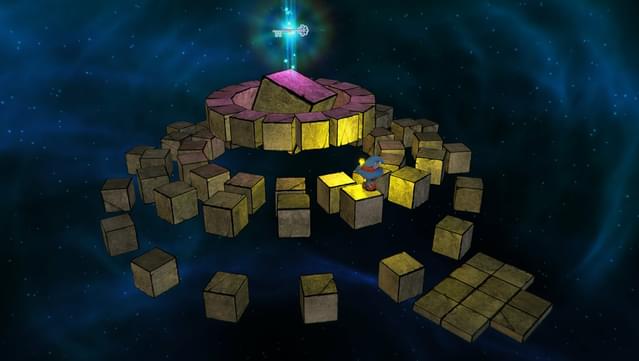
Dive into a nostalgic yet fresh experience that celebrates the isometric platform genre, delivering vibrant visuals and clever puzzles. This adventure game invites players into a sprawling world with over 400 rooms divided into four distinct zones, each filled with unique challenges and secrets waiting to be uncovered. As you explore, you'll encounter hidden mini-games and a plethora of references to classic gaming culture, making it a delightful journey for both newcomers and veterans alike. The gameplay balances exploration and problem-solving, offering a rewarding experience as you uncover the mysteries of this captivating realm. Perfect for fans of retro gaming or anyone seeking a charming adventure with a modern twist.

Instructions
- Click the Download button below and you will be redirected to UploadHaven.
- Wait 5 seconds and click on the blue ‘download now’ button. We recommend using a download manager for faster download speeds. (You can use FDM which is free here, or any other download manager).
- Once the game is finished downloading, right click the .zip file and click on “Extract to Lumo.zip” (To do this you will need 7-Zip, which you can get here, or you can use the built in windows extractor).
- Double click inside the Lumo folder and run the setup application. Accept the EULA, and install the game. Then, launch the game through the desktop shortcut.
Lumo Free Download
Reminder: This download is completely free and won't cost you a penny. However, If you love the game and want to purchase it, you can support the developers by doing so here.
System Requirements
- Windows 7 / 8 / 10
- x86 Dual Core 2.4Ghz
- 4 GB RAM
- Direct X9 GPU with 1GB RAM (Shader Model 3)
- Version 9.0
- 4 GB available space
- Any compatible sound card
- Xbox 360 and PS4 controllers supported
Screenshots