About Lost in Play
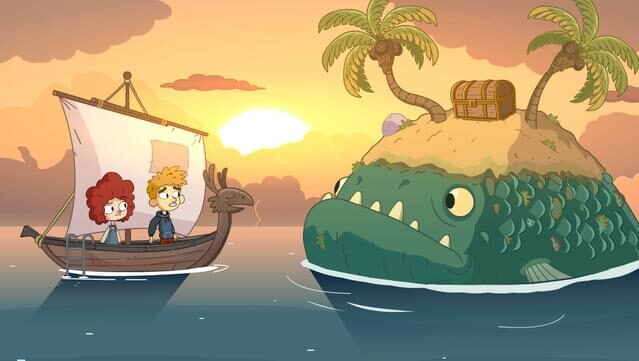
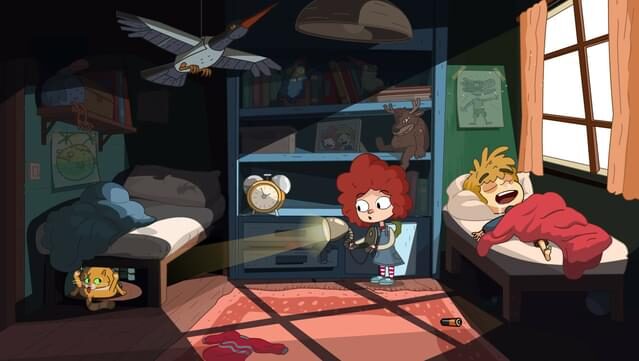
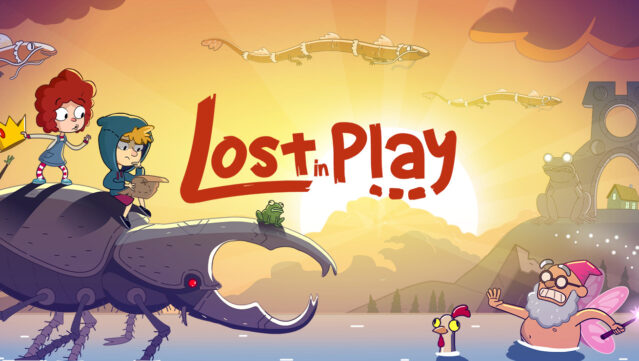
Embark on a whimsical adventure that blends the charm of childhood imagination with engaging puzzles and vibrant characters. In this point-and-click game, you step into the shoes of a brother and sister duo, navigating a fantastical world filled with quirky goblins and a menacing horned beast. The gameplay centers around solving unique puzzles, mini-games, and uncovering the secrets of a dreamlike realm that teems with life.
Explore an enchanted forest, rally a rebellion in a goblin village, and help frogs liberate a sword from a stone. Challenges range from playing a game of clicking crabs against a pirate seagull to serving magical tea to a regal toad. This delightful journey rewards your curiosity and invites you into a story that’s as captivating as it is playful. Perfect for fans of imaginative adventures and puzzle enthusiasts alike.
Instructions
- Click the Download button below and you will be redirected to UploadHaven.
- Wait 5 seconds and click on the blue ‘download now’ button. We recommend using a download manager for faster download speeds. (You can use FDM which is free here, or any other download manager).
- Once the game is finished downloading, right click the .zip file and click on “Extract to Lost in Play .zip” (To do this you will need 7-Zip, which you can get here, or you can use the built in windows extractor).
- Double click inside the Lost in Play folder and run the setup application. Accept the EULA, and install the game. Then, launch the game through the desktop shortcut.
Lost in Play Free Download
Reminder: This download is completely free and won't cost you a penny. However, If you love the game and want to purchase it, you can support the developers by doing so here.
System Requirements
- Windows 7 or later
- i3 7100 or better
- 4 GB RAM
- 3 GB available space
Screenshots