About Lode Runner Legacy
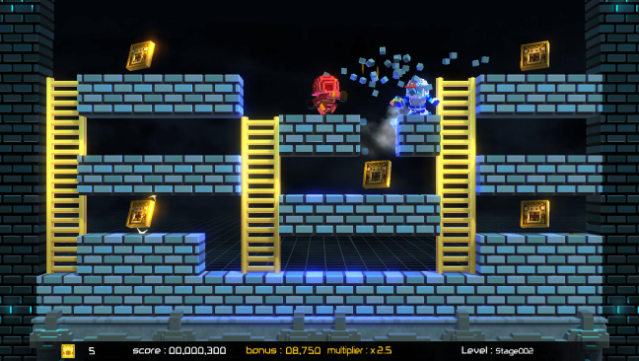
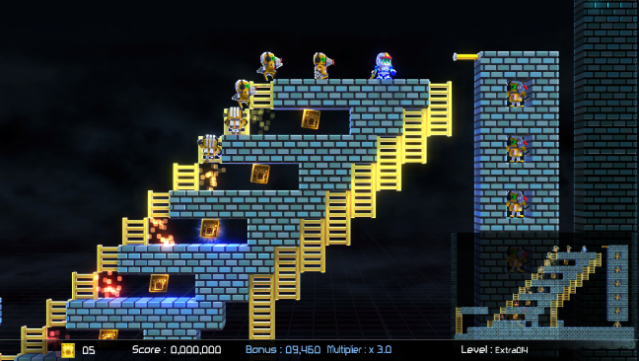
This modern twist on a classic platformer brings back the addictive blend of puzzle-solving and action that fans remember fondly. Players step into the shoes of the Runner, diving into an adventure filled with enemies and minefields as they work to reclaim stolen gold from a nefarious empire. The gameplay features a mix of modes, including a thrilling Adventure Mode and a Puzzle Mode that focuses solely on brain-teasing challenges without any enemies to hinder your progress.
New features like local co-op for up to two players and an expansive Craft Mode for creating and sharing custom levels add fresh dimensions to the experience. With updated voxel graphics and a wealth of user-generated content, this title appeals to both nostalgic players and newcomers alike. Perfect for fans of classic puzzle platformers and those who enjoy crafting their own gaming experiences.

Instructions
- Click the Download button below and you will be redirected to UploadHaven.
- Wait 5 seconds and click on the blue ‘download now’ button. We recommend using a download manager for faster download speeds. (You can use FDM which is free here, or any other download manager).
- Once the game is finished downloading, right click the .zip file and click on “Extract to Lode Runner Legacy v1.0.2.zip” (To do this you will need 7-Zip, which you can get here, or you can use the built in windows extractor).
- Double click inside the Lode Runner Legacy v1.0.2 folder and run the setup application. Accept the EULA, and install the game. Then, launch the game through the desktop shortcut.
Lode Runner Legacy Free Download (v1.0.2)
Lode Runner Legacy (v1.0.2)
Size: 152.97 MB
Reminder: This download is completely free and won't cost you a penny. However, If you love the game and want to purchase it, you can support the developers by doing so here.
System Requirements
- OS *: Windows 7/ Windows 10
- Processor: Intel® Core™ i3-530 @ 2.93 GHz or Better
- Memory: 4 GB RAM
- Graphics: Intel HD Graphics
- Storage: 500 MB available space
Screenshots