About Last Laugh
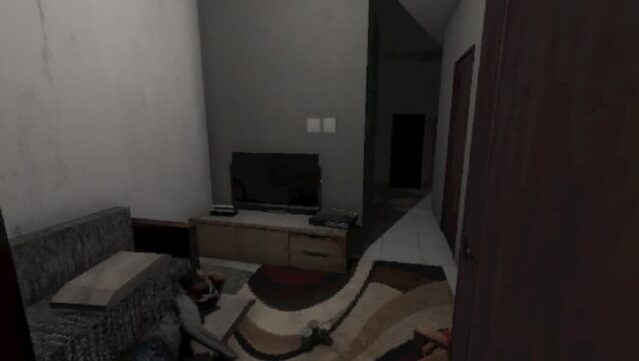
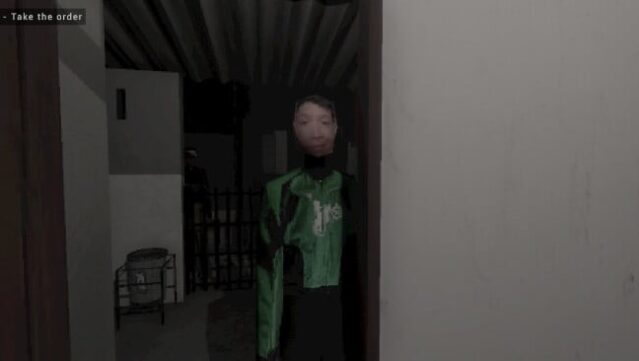
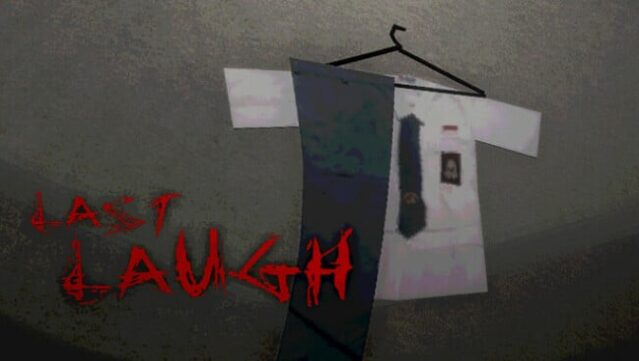
This retro-inspired horror game grabs your attention with its chilling blend of nostalgia and suspense. Set in a seemingly innocent world, players follow the eerie journey of three teenagers as their carefree antics take a dark turn, spiraling into a night filled with terror and unexpected twists. The game features striking PS1-style graphics, enveloping you in an atmospheric experience that enhances its horror elements. With seven distinct endings to uncover, you’ll navigate multiple narrative paths that reveal the unsettling secrets lurking just beneath the surface. The clever dynamic main menu adjusts based on your choices, while an auto-save feature allows you to experiment freely without losing progress. If you’re a fan of horror with a retro flair, this game is definitely worth your time.
Instructions
- Click the Download button below and you will be redirected to UploadHaven.
- Wait 5 seconds and click on the blue ‘download now’ button. We recommend using a download manager for faster download speeds. (You can use FDM which is free here, or any other download manager).
- Once the game is finished downloading, right click the .zip file and click on “Extract to Last Laugh v1.2.5.zip” (To do this you will need 7-Zip, which you can get here, or you can use the built in windows extractor).
- Double click inside the Last Laugh v1.2.5 folder and run the setup application. Accept the EULA, and install the game. Then, launch the game through the desktop shortcut.
Last Laugh Free Download (v1.2.5)
Last Laugh (v1.2.5)
Size: 135.09 MB
Reminder: This download is completely free and won't cost you a penny. However, If you love the game and want to purchase it, you can support the developers by doing so here.
System Requirements
- Requires a 64-bit processor and operating system
- OS: Windows 10/11 (64-bit)
- Processor: Intel Celeron N3350 (2 Cores) or equivalent
- Memory: 4 GB RAM
- Graphics: Intel HD Graphics 500 or equivalent
- DirectX: Version 11
- Storage: 1 GB available space
- Additional Notes: SSD is recommended for better performance
Screenshots