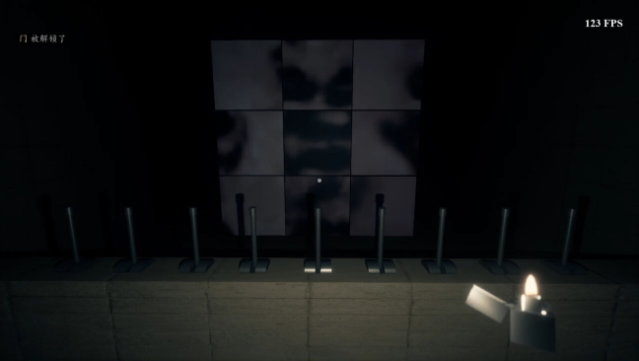
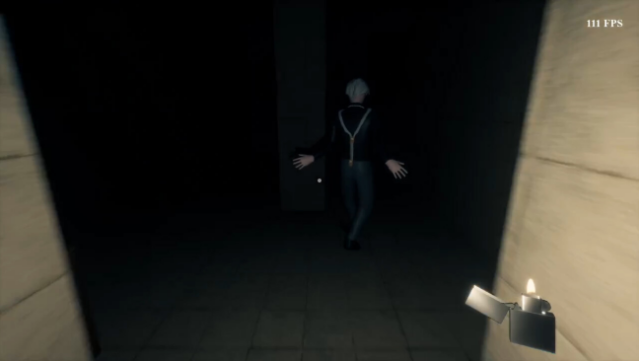
About KunKunHome
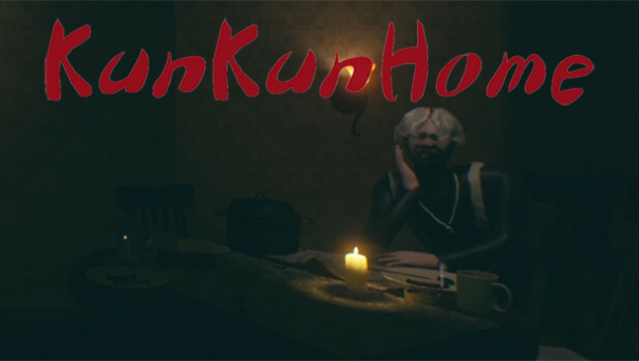
Dive into a unique blend of horror and humor as you step into the shoes of an enthusiastic KunKun fan named Su Shan. In this first-person adventure, you stealthily navigate through a mysterious KunKun residence, where tension and laughter coexist. The gameplay revolves around exploration, chase sequences, and an array of challenging puzzles that keep you on your toes. With multiple endings based on your choices and discoveries, every playthrough can unfold differently, adding depth to your experience. Embrace the quirky and unsettling atmosphere, but be warned: it's not for the faint of heart. This game is perfect for fans of quirky horror experiences and those who enjoy uncovering secrets in a whimsical yet eerie setting.
Instructions
- Click the Download button below and you will be redirected to UploadHaven.
- Wait 5 seconds and click on the blue ‘download now’ button. We recommend using a download manager for faster download speeds. (You can use FDM which is free here, or any other download manager).
- Once the game is finished downloading, right click the .zip file and click on “Extract to KunKunHome.zip” (To do this you will need 7-Zip, which you can get here, or you can use the built in windows extractor).
- Double click inside the KunKunHome folder and run the setup application. Accept the EULA, and install the game. Then, launch the game through the desktop shortcut.
KunKunHome Free Download
Reminder: This download is completely free and won't cost you a penny. However, If you love the game and want to purchase it, you can support the developers by doing so here.
System Requirements
- Requires a 64-bit processor and operating system
- OS: Win10
- Processor: Intel(R) Core(TM) i7-7700K CPU @ 4.20GHz 4.20 GHz
- Memory: 8 GB RAM
- Graphics: GTX 1080
- DirectX: Version 12
- Storage: 3 GB available space
Screenshots