About Kingdom Under Fire: The Crusaders
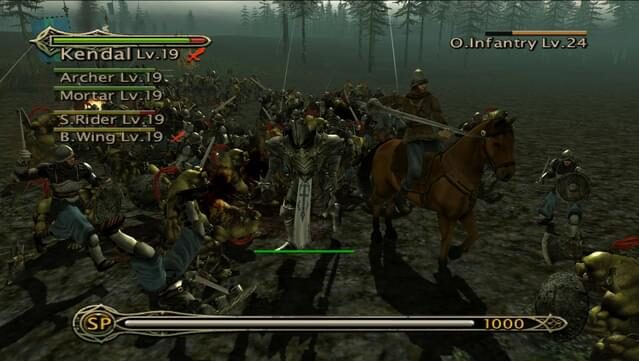
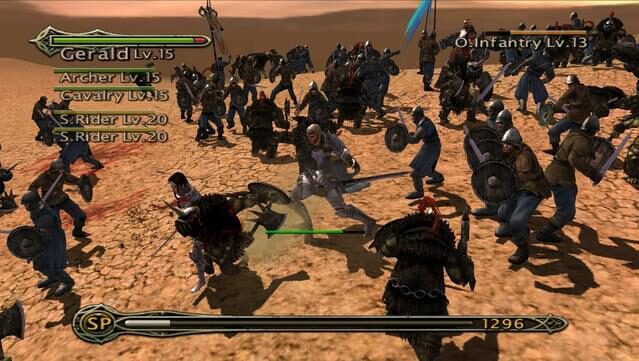
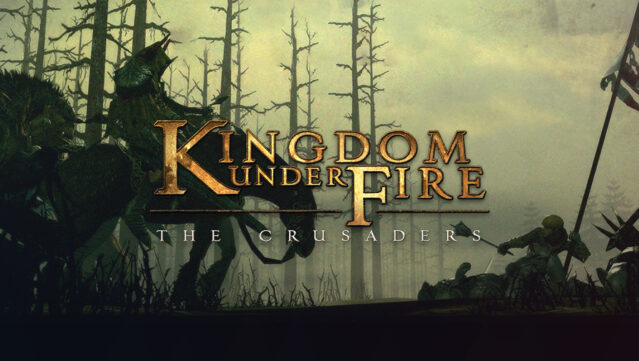
Experience a thrilling blend of action and strategy in a game that immerses you in epic medieval battles. You command vast fantasy armies, engaging in intense warfare where both swords and sorcery intertwine. The gameplay focuses on large-scale battles that require tactical thinking as you adapt to the ever-changing battlefield dynamics. With support for both controllers and a new mouse and keyboard mode, you can choose your preferred way to engage in combat. The game also features stunning widescreen HD visuals and a heavy metal soundtrack that amps up the adrenaline as you charge into battle. If you're a fan of strategic warfare with a twist, this title is definitely worth your time.
Instructions
- Click the Download button below and you will be redirected to UploadHaven.
- Wait 5 seconds and click on the blue ‘download now’ button. We recommend using a download manager for faster download speeds. (You can use FDM which is free here, or any other download manager).
- Once the game is finished downloading, right click the .zip file and click on “Extract to Kingdom Under Fire: The Crusaders v1.03.zip” (To do this you will need 7-Zip, which you can get here, or you can use the built in windows extractor).
- Double click inside the Kingdom Under Fire: The Crusaders v1.03 folder and run the setup application. Accept the EULA, and install the game. Then, launch the game through the desktop shortcut.
Kingdom Under Fire: The Crusaders Free Download (v1.03)
Kingdom Under Fire: The Crusaders (v1.03)
Size: 1.07 GB
Reminder: This download is completely free and won't cost you a penny. However, If you love the game and want to purchase it, you can support the developers by doing so here.
System Requirements
- Windows 7 32bit
- Intel Core 2 Duo or AMD Athlon 64×2 5600+
- 4 GB RAM
- NVIDIA® GeForce® GT 420 or ATI™ Radeon™ HD 6850 or Intel® HD Graphics 4000 or better with 2 GB VRAM
- Version 9.0
- 2 GB available space
Screenshots